Tired of blocks, tracking, and online exposure?
VPN Chrome extensions solve this instantly. They encrypt your browser traffic, hide your IP address, and unlock geo-restricted content with a single click, without slowing you down.
Over the years, more and more extensions have been added to the database, allowing users to pick from a broader range of options for maximum perks.
With so many options available, choosing the right one can be confusing. That’s why this guide breaks down the 11 best VPN Chrome extensions, based on speed, security, server coverage, and real user value, so you can pick the right tool with confidence.
What are VPN Chrome Extensions?
VPN Chrome extensions are browser-based VPN tools that you install on Chrome to route your internet traffic through a secure virtual private network directly from your browser.
They encrypt your browsing activity, hide your IP address, and help you access restricted content without installing full VPN software.
Moreover, they protect sensitive information, resulting in a secure browsing experience. However, you only have to pick the most suitable lightweight for quick and on-the-go privacy solutions.
However, in gaming, VPNs protect from IP resolver tools like xResolver, which can expose your real IP address through your Xbox Gamertag or PSN ID.
11 Best VPN Chrome Extensions
Google has, no doubt, provided many settings to control your search experience, like you can turn off SafeSearch on Google and get rid of AI overviews, for a controlled experience. Still, they aren’t enough. Over time, many VPN Chrome extensions have entered the market, giving users plenty of choices. However, not all deliver reliable performance or meet expectations.
Therefore, we have researched well and extracted the 11 best VPN extensions you can install in your browser for better results.
Below, I have mentioned their features along with their pros and cons for enhanced understanding, so you can pick the right one.
1 – NordVPN Extension
NordVPN is one of the most trusted and widely used VPN Chrome extensions available in 2026. It delivers military-grade AES-256 encryption with a single click, instantly securing your browser traffic without requiring any technical expertise.
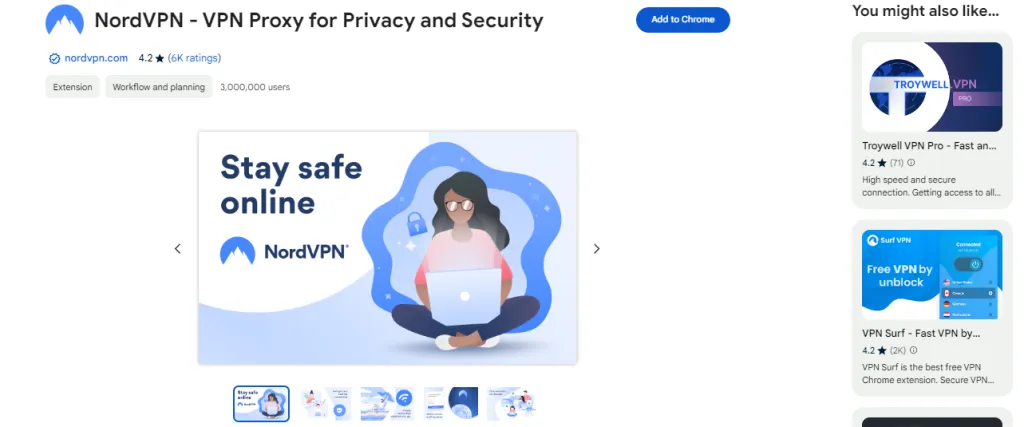
Built on a network of 6,000+ servers across 111 countries, it ensures consistently fast speeds and reliable connections for both streaming and everyday browsing.
2 – ExpressVPN Extension
ExpressVPN is the best vpn extension for chrome known for fast, reliable performance in 2026. Its Lightway protocol ensures high-speed connections with strong security, making it ideal for streaming and bypassing geo-restrictions.
With 3,000+ servers in 105 countries, it offers a large server network for stable, low-latency access worldwide. AES-256 encryption, DNS/IP leak protection, and a kill switch keep data secure.
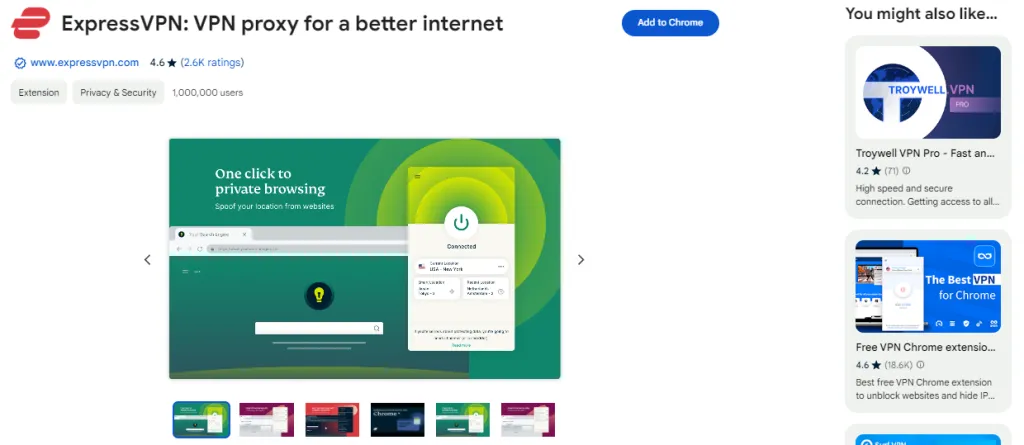
Features like MediaStreamer enable smooth access to platforms like Netflix and BBC iPlayer without buffering, ensuring a seamless browsing experience.
3 – Surfshark Extension
Surfshark stands out for affordability, offering unlimited device connections under one subscription, ideal for families and multi-device users.
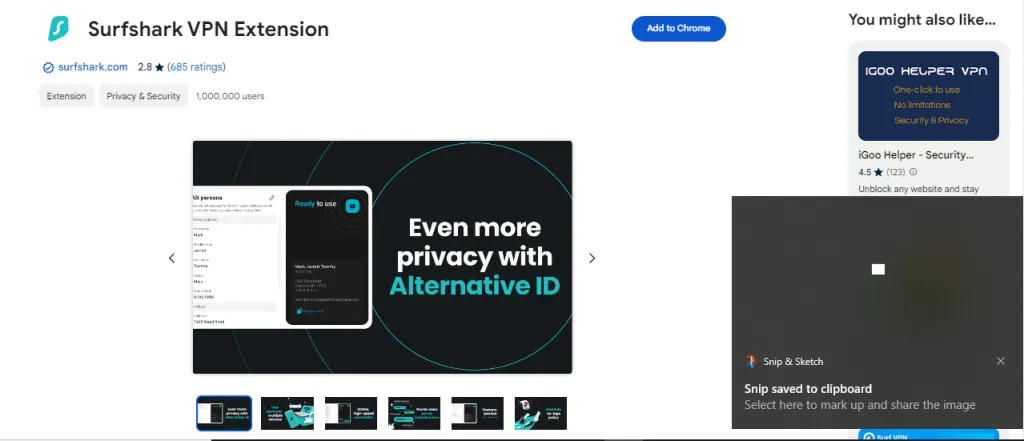
Its Camouflage Mode hides VPN traffic to bypass strict restrictions, while CleanWeb blocks ads, trackers, and malicious links. With 3,200+ servers in 100 countries, it ensures fast, secure, and private browsing at a competitive price.
Key Features
- The CleanWeb feature blocks ads and malware.
- A strict no-logs policy protects users’ credentials.
- Surfshark also offers a Camouflage Mode.
4 – ProtonVPN Extension
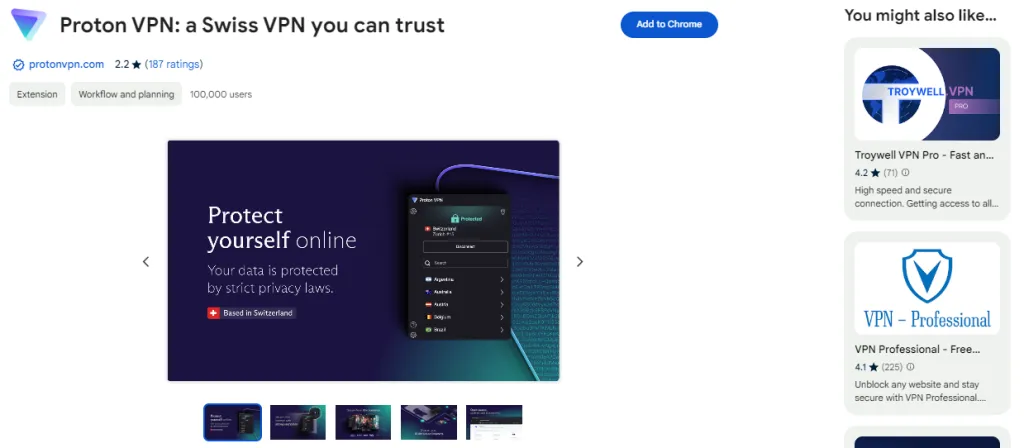
The ProtonMail developers have also launched ProtonVPN plugin VPN Chrome to allow their users to protect their online privacy. This is because this VPN emphasizes the privacy and security of users’ data and extends its services to the browser. Just visit the Chrome web store, search for this extension, and hit the install button to start pocketing its perks readily.
Key Features
- ProtonVPN showcases Swiss-based privacy.
- The end-to-end encryption ensures enhanced data safety.
- No-logs policy prioritizes users’ privacy.
5 – CyberGhost VPN Extension For Chrome
If you are looking for a VPN extension for chrome browser with a simple and user-friendly interface to operate it conveniently to secure your online journey, CyberGhost VPN extention is the best VPN Google Chrome extension to go with.
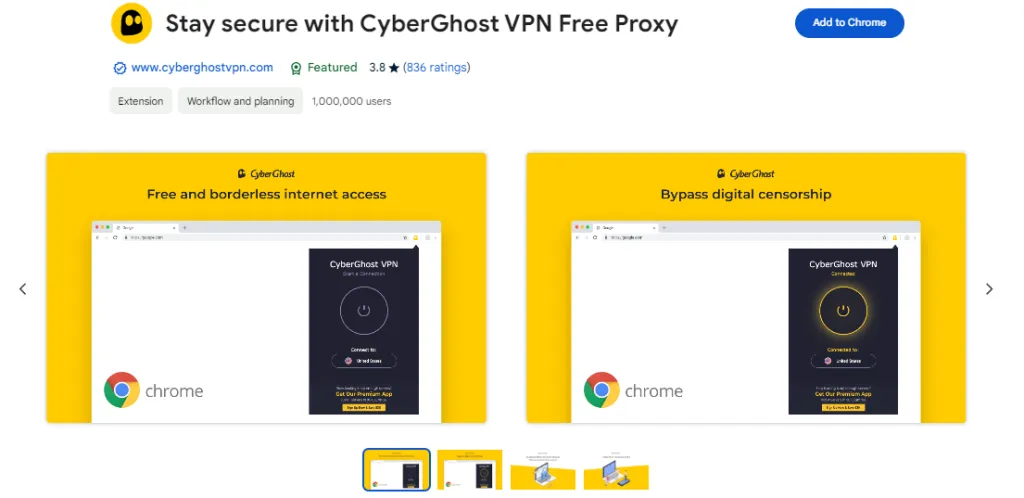
By installing it in your browser, you can easily mask your actual IP address in no time, allowing you to hide your online activity from potential trackers.
6 – FastestVPN Extension
FastestVPN prioritizes raw connection speed with its optimized server network delivering some of the fastest download and upload speeds available in Chrome extensions. With P2P-optimized servers across 49 countries, it’s built for heavy torrenting, file sharing, and bandwidth-intensive activities.
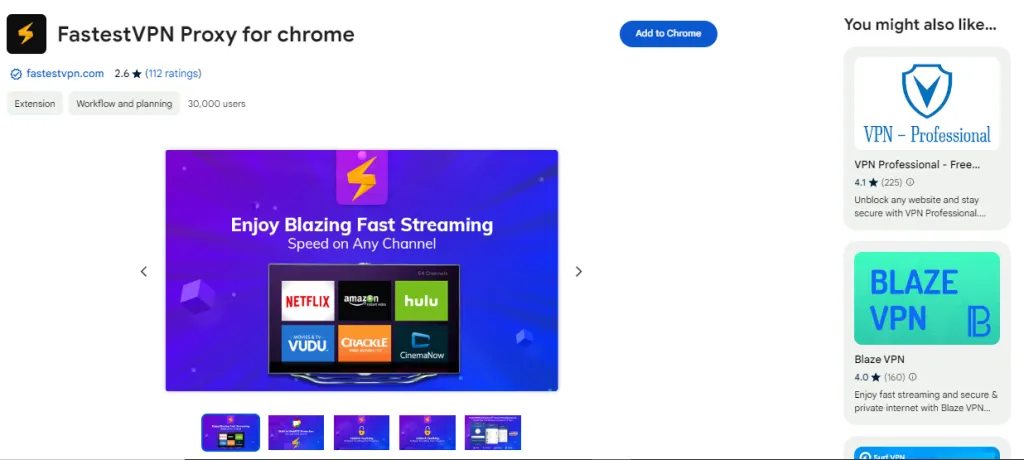
Its built-in ad blocker and strong encryption ensure privacy without compromising performance.
7 – VeePN Extension
VeePN is the best VPN for Chrome to change your current IP address to unblock websites and gaming platforms without making a compromise on speed. Above all, it is the best possible option to get access to online streaming sites like Netflix, Amazon Prime, HydraHD and Hurawatch when sitting in restricted locations.
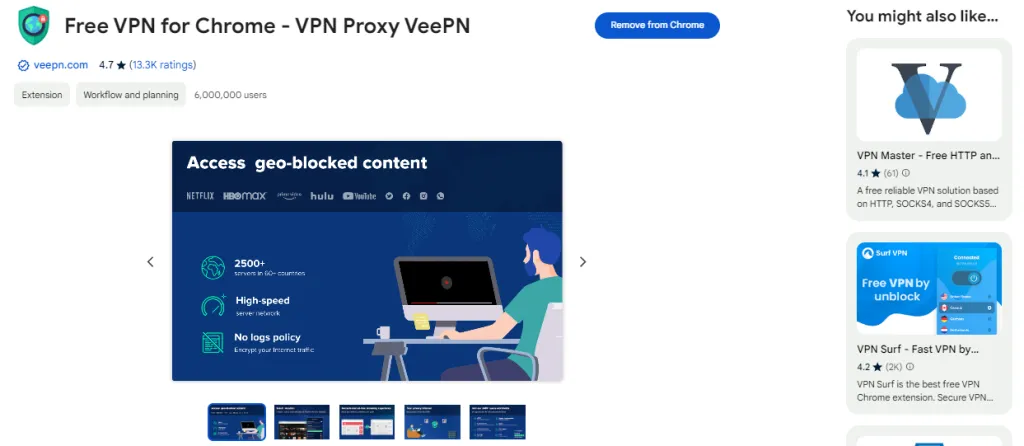
The NetGuard AdBlock is an exciting element, making it the best VPN Chrome extension.
8 – Windscribe VPN Extension
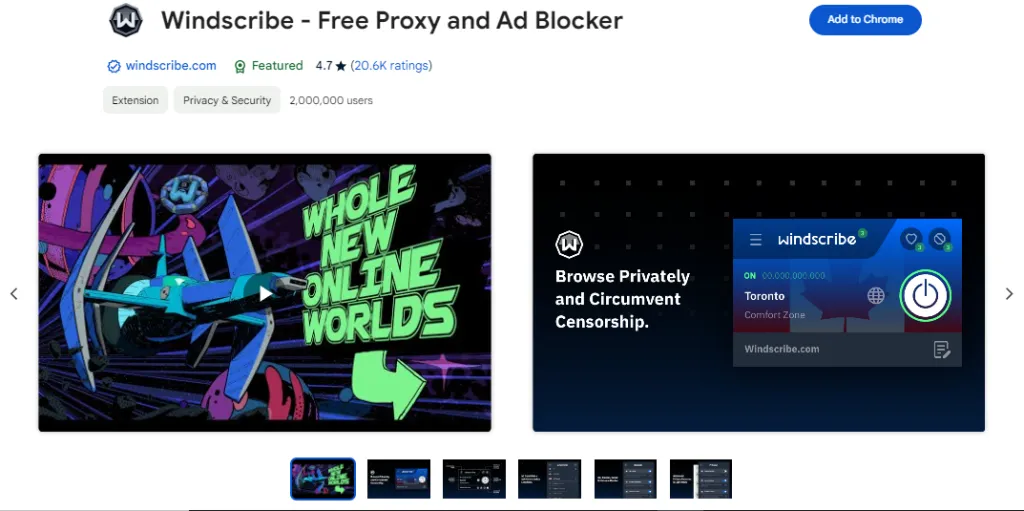
Windscribe offers a high-quality VPN Chrome extension, which is highly popular for its free plan. You can unblock all of your desired sites with just a single click with this high-quality extension.
Key Features
- The free plan provides enough data per month.
- Strong encryption technology for enhanced security.
- Split the traffic into useful and unnecessary parts.
9 – Hola Free VPN Extension
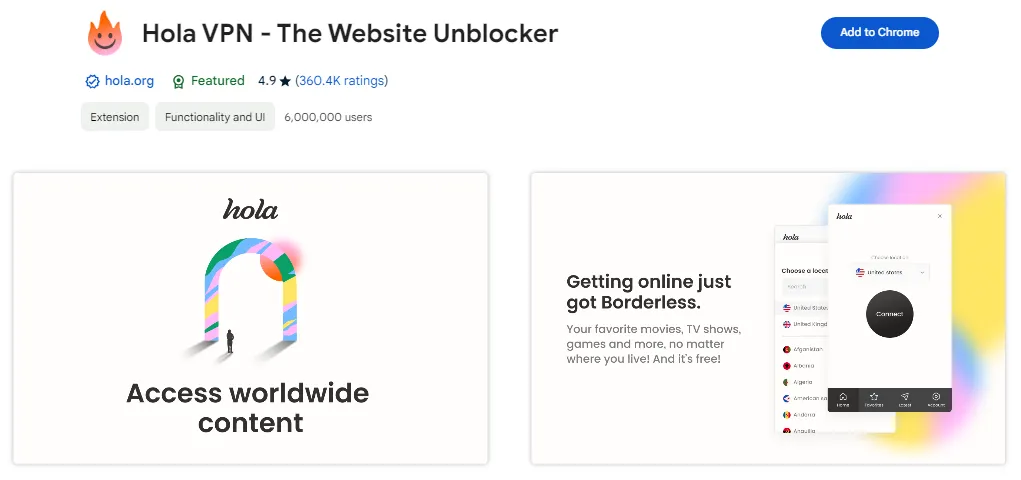
Hola VPN utilizes the power of peer-to-peer networks to provide virtual private network services to its users. The Chrome extension is also lightweight and compatible with all devices.
Key Features
- Geo-blocking features by hiding the IP address.
- Users can empower the network with the help of exit nodes.
- P2P to ensure faster and smoother Internet connection.
10 – TunnelBear VPN Extension
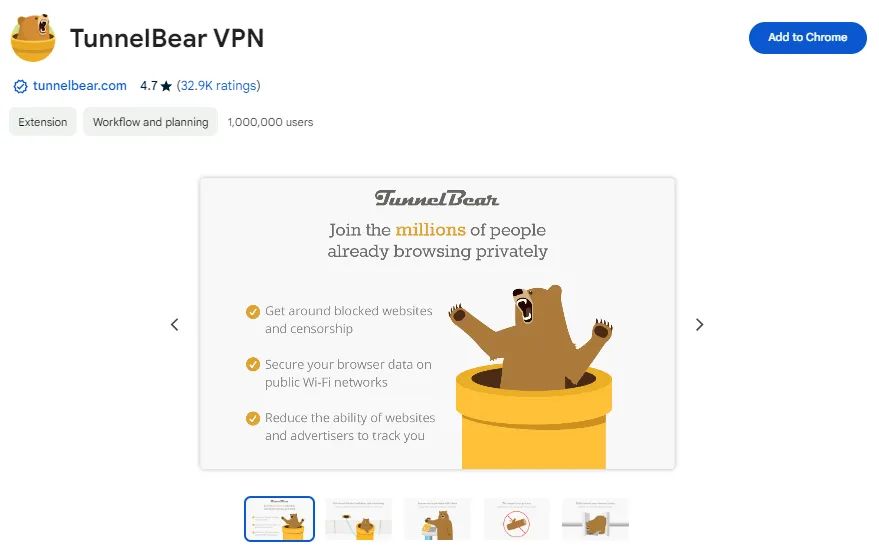
TunnelBear VPN is widely popular for its bear-themed approach to multiple servers which creates a strong connection for extensive streaming support.
Key Features
- Vigilant mode is present to block unwanted users.
- GhostBear options allow smooth streaming under a restrictive network.
- An incredibly simplified interface for a user-friendly experience.
11 – ZenMate VPN Extension
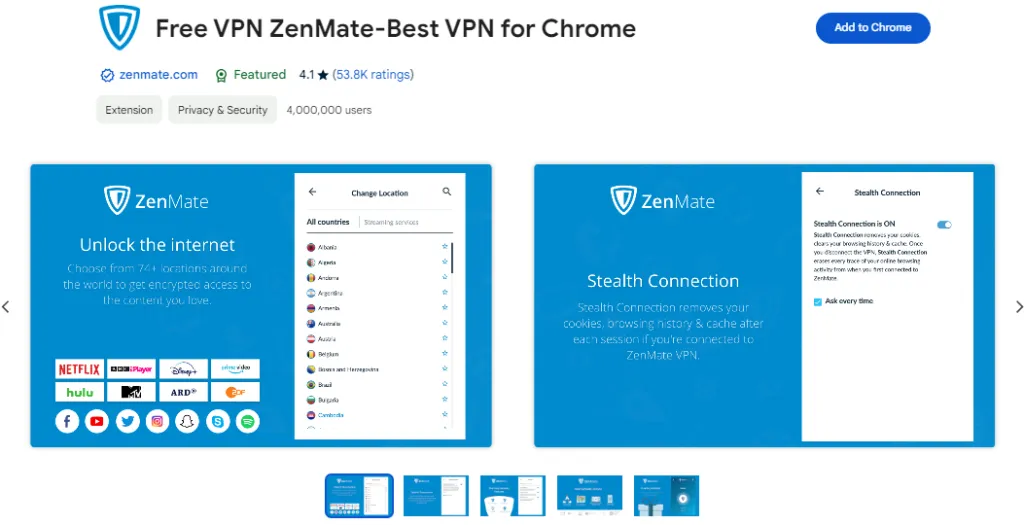
Zenmate is a Chrome extension VPN mainly focuses on securing your Internet connection by masking your IP and re-routing the traffic through multiple servers.
Key Features
- Built-in tracking protection for more protection.
- Personalized recommendations for better servers.
- Seamless browsing experience due to fast network speed.
Final Words on VPN Chrome Extensions
The best VPN Chrome extension is the one that provides users with all the essential elements to protect their Internet connection and avoid potential harm associated with browsing and streaming.
The Chrome extensions VPN elaborated in this guide are the products of well-known developers that offer the latest security features to ensure fast network speed.
Moreover, you can research the web to find another option suitable to your preferences and needs. While privacy and security are the key elements, you must not compromise on speed for a smooth experience.