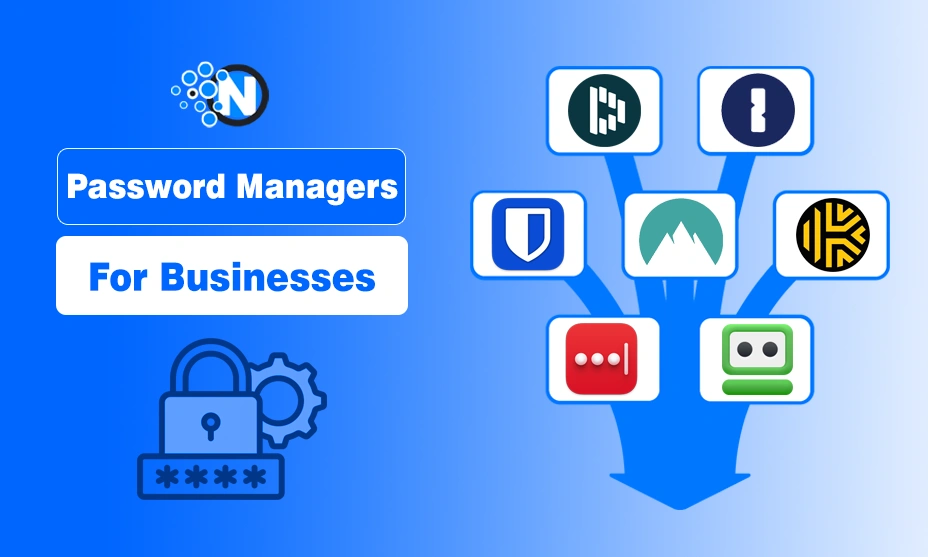
The best password managers for businesses are software tools that securely store, share, and manage employee credentials while allowing administrators to control access, permissions, and security policies. These tools reduce data breach risks, prevent unsafe password sharing, and support compliance through encrypted vaults, role-based access control, audit logs, and multi-factor authentication.
In this article, I share a carefully evaluated list of the top password managers for businesses in 2025. The guide explains key features, security standards, admin controls, integrations, pricing considerations, and ideal use cases for each tool, helping businesses compare options and choose the right password manager based on size, security needs, and operational requirements.
So, stay tuned with me and learn about the most effective platform to take your company to an advanced level.
What Are Business Password Managers?
Start creating Verdict in seconds, and convert more of your visitors into leads.
A business password manager is a credential management system designed for teams and organizations rather than individual users. Unlike personal password managers, business-focused solutions provide centralized administration, secure password sharing, and policy enforcement across multiple users and departments.
Instead of relying on sticky notes, Google Sheets, or memory, teams can use password managers to reduce risks and streamline authentication processes.
Are Password Managers Safe?
Yes, password managers are generally safe when used correctly.
They employ strong encryption protocols like AES-256, zero knowledge architecture, and multi factor authentication not only to prevent mobile app vulnerabilities but also to secure stored data.
Businesses must avoid common password-related security pitfalls that can compromise sensitive data, especially in critical industries, learn more in our detailed guide on password pitfalls in frontline industries.
However, like any software, they are not immune to vulnerabilities. That’s why it is essential to choose a trusted provider, enable MFA, and stay updated with the latest security best practices.
Business vs Personal Password Managers
| Feature | Personal Password Manager | Business Password Manager |
|---|---|---|
| User Management | Single user | Multiple users & teams |
| Admin Dashboard | No | Yes |
| Role-Based Access Control | No | Yes |
| Secure Credential Sharing | Limited | Advanced |
| Audit Logs & Reporting | No | Yes |
| Compliance Support | No | Yes |
| User Provisioning | No | Yes |
Top 10 Best Password Managers for Businesses
Start creating Verdict in seconds, and convert more of your visitors into leads.
Let’s get into the top password management tools for businesses. Each of these solutions offers unique strengths according to the preferences of different teams, large organizations, and IT administrators.
1. 1Password
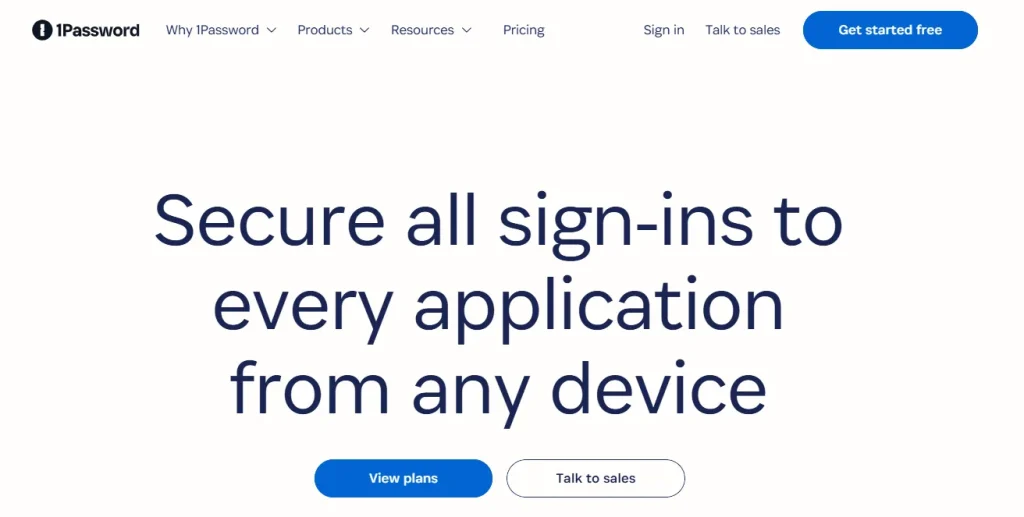
1Password Business offers a balance of enterprise-grade security and ease of use, making it popular among both IT teams and non-technical employees. It features advanced security controls like role-based access, detailed activity logs, and end-to-end encryption. With 1Password Business, you, being an administrator, can securely manage user permissions, recover locked accounts, and audit access through a unified dashboard.
Moreover, its integration with tools like OpsRamp, Okta, Azure AD, and Slack enhances its appeal for IT teams. Its ease of use makes onboarding effortless for non-technical staff, too.
Best for: Mid-size to large teams needing strong usability and security
Key Features
- Admin dashboard with team management
- Secure vault sharing
- MFA & biometric login
- Role-based permissions
- Integration with SSO platforms
Pricing
- Business plan: ~$7.99 per user/month
- Enterprise plan: Custom pricing
- Free trial: Yes
| Pros | Cons |
|---|---|
| Clean and intuitive interface | No free plan for businesses |
| Excellent support for teams | |
| Easy to manage permissions | |
| Strong encryption protocols | |
| Offline access available |
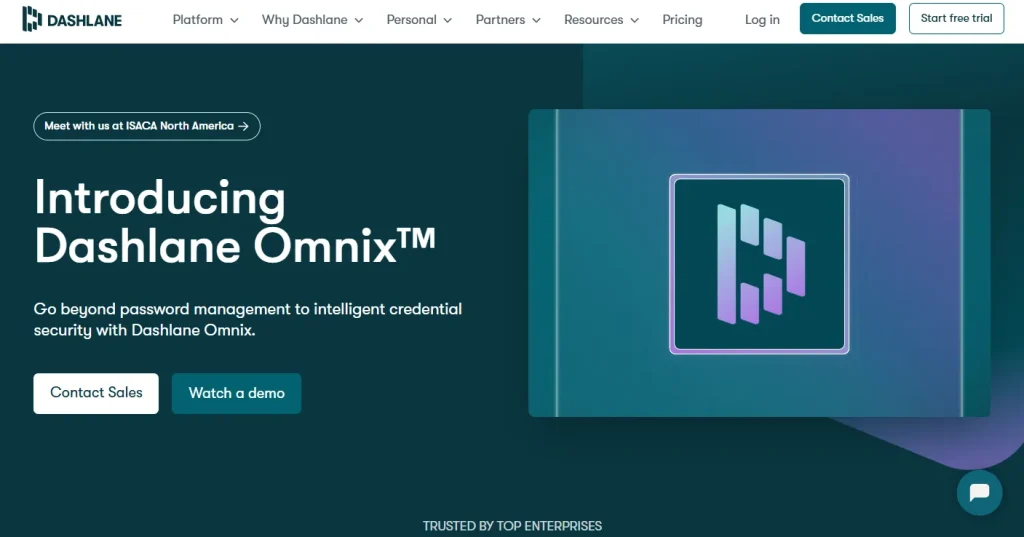
2. Dashlane
Dashlane Business focuses on password health monitoring and includes built-in VPN protection. It is specifically designed for teams of all sizes and includes password health scores, dark web monitoring, and automatic password changer features.
One of the best things is that Dashlane also offers a business VPN. This feature makes it stand out among competitors. Admins can use the Smart Spaces feature to separate personal and work credentials easily.
Key Features
- Password health dashboard
- Dark web monitoring
- Smart Spaces for work/personal separation
- SSO and SCIM provisioning
- Built-in VPN
Pricing
- Business: ~$8 per user/month
- Enterprise: Custom pricing
- Free trial: Yes
| Pros | Cons |
|---|---|
| User-friendly for beginners | Premium pricing compared to others |
| Fast password autofill | |
| Insightful password health reports | |
| Extra layer of privacy with VPN | |
| Streamlined employee onboarding |
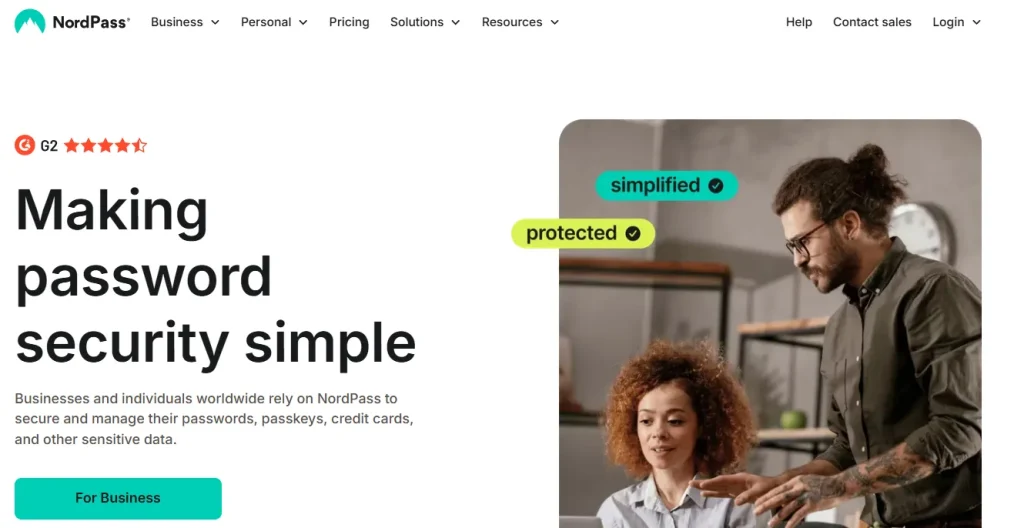
3. NordPass
NordPass Business emphasizes simplicity and uses XChaCha20 encryption, a modern cryptographic standard. NordPass provide supports shared folders, company-wide policies, and access control to prevent cyberthreats from taking down your small business.
It is especially good for remote teams looking for secure but uncomplicated solutions. So, if you are facing trouble while managing the security of your freelance workers, this tool is the perfect pick for you.
Key Features:
- XChaCha20 encryption
- Shared folders for teams
- Password health and audit reports
- Multi-device sync
- SSO & provisioning support
Pricing
- Business: ~$3.99 per user/month
- Enterprise: Custom pricing
- Free trial: Yes
| Pros | Cons |
|---|---|
| Affordable for small businesses | Fewer integrations than top-tier competitors |
| Simple user experience | |
| Advanced encryption standard | |
| Helpful audit tools | |
| Cross-platform compatibility |
Next, I have placed Keeper among the best Password manager tools for businesses. It is a high-security password manager designed with IT teams in mind. It includes breach monitoring, detailed reporting, and zero-trust architecture. Keeper offers KeeperChat, an encrypted messaging tool.
4. Keeper
It has compliance features for HIPAA, GDPR, and SOC2. Besides, its enterprise features are deep and flexible, ideal for larger companies or security-focused businesses.
Key Features
- BreachWatch for breach monitoring
- Secure file storage
- Zero-trust & zero-knowledge architecture
- Encrypted messaging (KeeperChat)
- Customizable roles & permissions
Pricing
- Business: ~$5 per user/month
- Enterprise: Custom pricing
- Free trial: Yes
| Pros | Cons |
|---|---|
| Advanced security features | Learning curve for new users |
| HIPAA & GDPR compliant | |
| Real-time alerts and monitoring | |
| Excellent admin controls | |
| Secure file sharing |
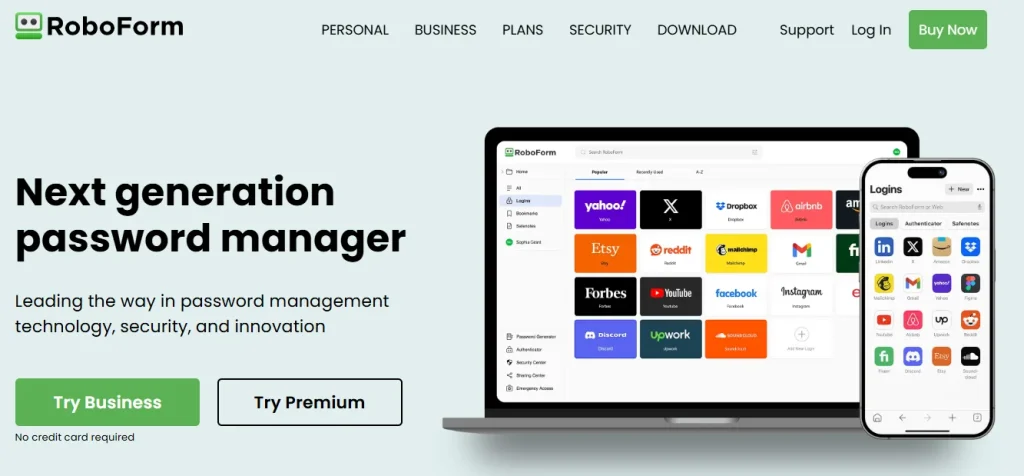
5. RoboForm
RoboForm offers a cost-effective password management solution with all the essential features businesses need. While it may not be as flashy as others, RoboForm Business includes centralized management, group sharing, and strong password auditing.
What I personally like about this software is its auto-fill functionality, which works reliably, especially in desktop environments. Hence, you can bring efficiency and authenticity to your work.
Key Features
- Group password sharing
- Centralized management console
- Strong password generator
- Secure note storage
- Admin policy enforcement
Pricing
- Business: ~$3.35 per user/month
- Free trial: Yes
| Pros | Cons |
|---|---|
| Affordable pricing | Outdated interface design |
| Simple deployment | |
| Great for Windows users | |
| Reliable auto-fill | |
| Good password auditing tools |
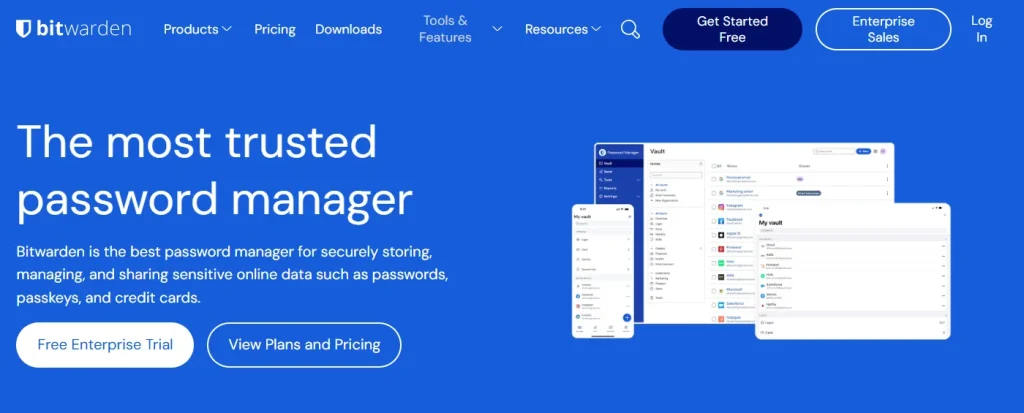
6. Bitwarden
Next, Bitwarden is present among the top password managers tool because it is an open-source password manager. Among all the other names present in this rundown or on the web, it has gained popularity for its transparency and cost-efficiency. It offers on-premise hosting options, which makes it perfect for privacy-conscious businesses.
The business plan includes organization vaults, role management, and API access. In addition, its community-driven model ensures constant feature updates and peer-reviewed security.
Key Features
- Open-source codebase
- Self-hosting available
- End-to-end encryption
- Vault item sharing
- API and CLI tools
Pricing
- Teams: ~$3 per user/month
- Enterprise: ~$5 per user/month
- Free plan: Limited
| Pros | Cons |
|---|---|
| Very affordable | UI less polished than competitors |
| Open-source transparency | |
| Flexible deployment options | |
| Active community support | |
| Frequent updates and fixes |
7. LastPass
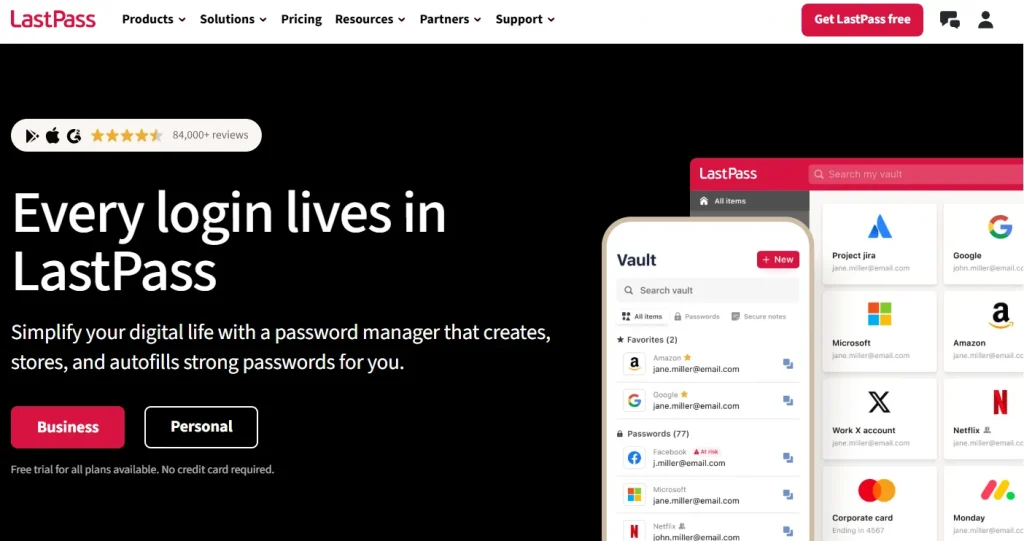
LastPass is one of the most recognized password managers as it offers comprehensive business tools. It supports federated login, directory integration, and security policy enforcement. With passwordless login options and adaptive MFA, LastPass helps reduce friction while maintaining robust protection.
As passwordless authentication will go into trend in the coming years, you can already go ahead of the traditional markets by using this tool.
Key Features
- Directory integration (Azure AD, Okta)
- Passwordless login options
- Dark web monitoring
- Admin insight dashboard
- SSO with over 1,200 apps
Pricing
- Business: ~$7 per user/month
- Enterprise: Custom pricing
- Free trial: Yes
| Pros | Cons |
|---|---|
| Popular and well-established | Past security incidents may deter some users |
| Strong team collaboration features | |
| Excellent integration ecosystem | |
| Helpful admin reporting | |
| Passwordless future-ready |
8. Zoho Vault
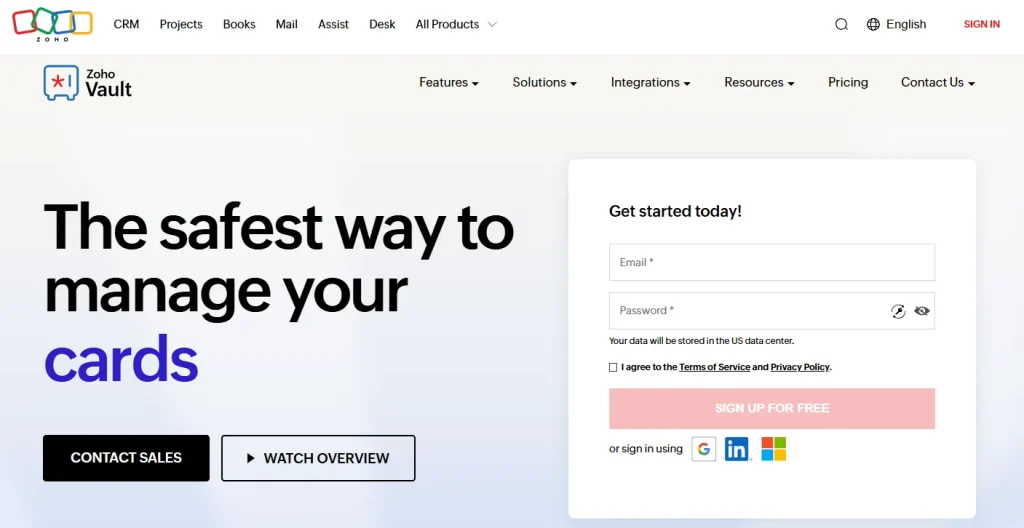
Zoho Vault is part of the Zoho ecosystem, one of the top business technology tools, which makes it a natural fit for businesses already using Zoho tools. It provides strong encryption, granular access control, and easy credential sharing. As an admin, you can track password usage and enforce policies through an intuitive dashboard.
I am seriously impressed with the comfort Zoho Vault can bring to you due to its user-friendly interface. Everything is managed perfectly, and you just have to focus on your tasks instead of finding the desired section.
Key Features
- AES-256 encryption
- Role-based access control
- Direct integration with Zoho apps
- Detailed user activity logs
- Central admin control
Pricing
- Business: ~$4 per user/month
- Free plan: Limited
- Free trial: Yes
| Pros | Cons |
|---|---|
| Budget-friendly | Lacks advanced integrations with non-Zoho tools |
| Perfect for Zoho users | |
| Easy team password sharing | |
| Audit-ready reports | |
| Simple user interface |
9. KeePass
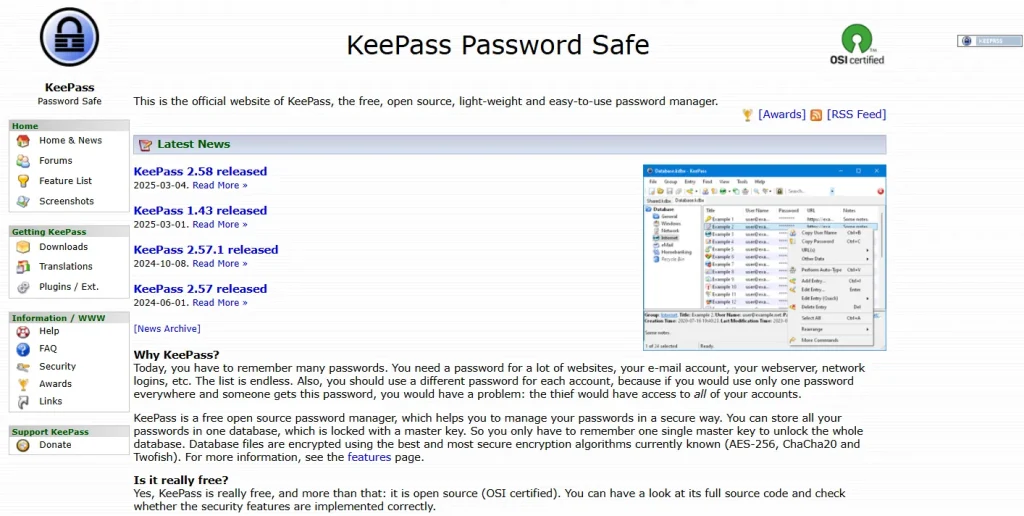
KeePass is a free, open-source password manager popular among tech-savvy teams. It stores data locally in encrypted files and offers full control over password management. While it is not cloud-based, its plugin support allows customization for syncing and automation.
No matter if you are managing an early startup or running an agency expanded globally, you can pocket immense benefits with this tool.
Key Features
- Local data storage
- Plugin and extension support
- Highly customizable
- Open-source code
- Portable (no installation needed)
Pricing
- Free
| Pros | Cons |
|---|---|
| Completely free | Not ideal for non-technical users or teams |
| No vendor lock-in | |
| Extremely secure with local control | |
| Highly customizable with plugins | |
| Offline availability |
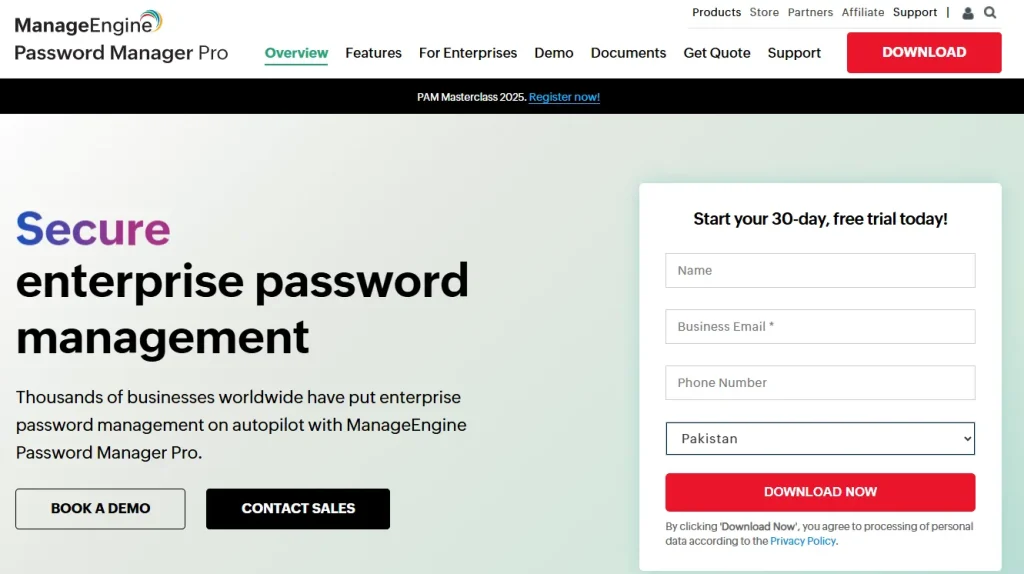
10. ManageEngine Password Manager Pro
Lastly, I am going with ManageEngine in this rundown on the best password manager tools for businesses. This enterprise-level solution is customized for IT admins and DevOps teams. ManageEngine Password Manager Pro provides privileged account management.
Additionally, you can enjoy session recording and password rotation automation. It ensures compliance and robust access control for high-security environments.
Key Features
- Privileged access management
- Automated password rotation
- Session monitoring and recording
- Role-based access
- Integration with ITSM tools
Pricing
- Starts around ~$595/year (tier-based)
- Free edition: Limited users
| Pros | Cons |
|---|---|
| Best for IT teams and admins | Overkill for small businesses |
| High compliance readiness | |
| Deep monitoring features | |
| Strong automation support | |
| Integrates with Active Directory |
Final Thoughts
Start creating Verdict in seconds, and convert more of your visitors into leads.
These are the details about the top 10 best password management software for businesses. Now, it’s your turn to choose the right one for your business. Whether you are a small startup or a large enterprise, these tools help secure your digital assets, streamline workflows, and ensure your team follows best security practices.
From user-friendly options like 1Password and NordPass to enterprise-grade solutions like ManageEngine and Keeper, there is a solution for every need and budget. Evaluate features, security protocols, integrations, and team requirements before making your pick.
A strong password manager doesn’t just store credentials, it protects your entire business ecosystem from modern cyber threats.