Remote teams depend on technology for everything, yet even one minor issue can slow an entire workday. According to research, IT downtime can cost some companies $5,600 per minute, which explains why businesses are rethinking how they deliver support in a hybrid world.
We reviewed official product documentation, industry reports, and real support workflows to understand what actually improves speed and efficiency, not just in theory, but in day-to-day operations.
This blog post contains the 10 practical strategies that modern IT teams use to fix issues faster, reduce downtime, and manage devices more smoothly across any location. It’s simple, straightforward, and built for teams that want reliable results, not hype.
Why Remote Support Matters Today
More companies now depend on cloud apps, remote devices, and hybrid teams. According to Statista’s 2024 report, 53% of U.S. employees work in a hybrid setup in Q2 2024.
A reliable remote support platform helps reduce this risk and keeps work moving. You can use various strategies to improve efficiency with remote support when building your workflow for better speed and issue resolution.
10 Strategies to Improve Efficiency with a Remote Support Solution
1: Reduce Downtime with Fast Remote Access
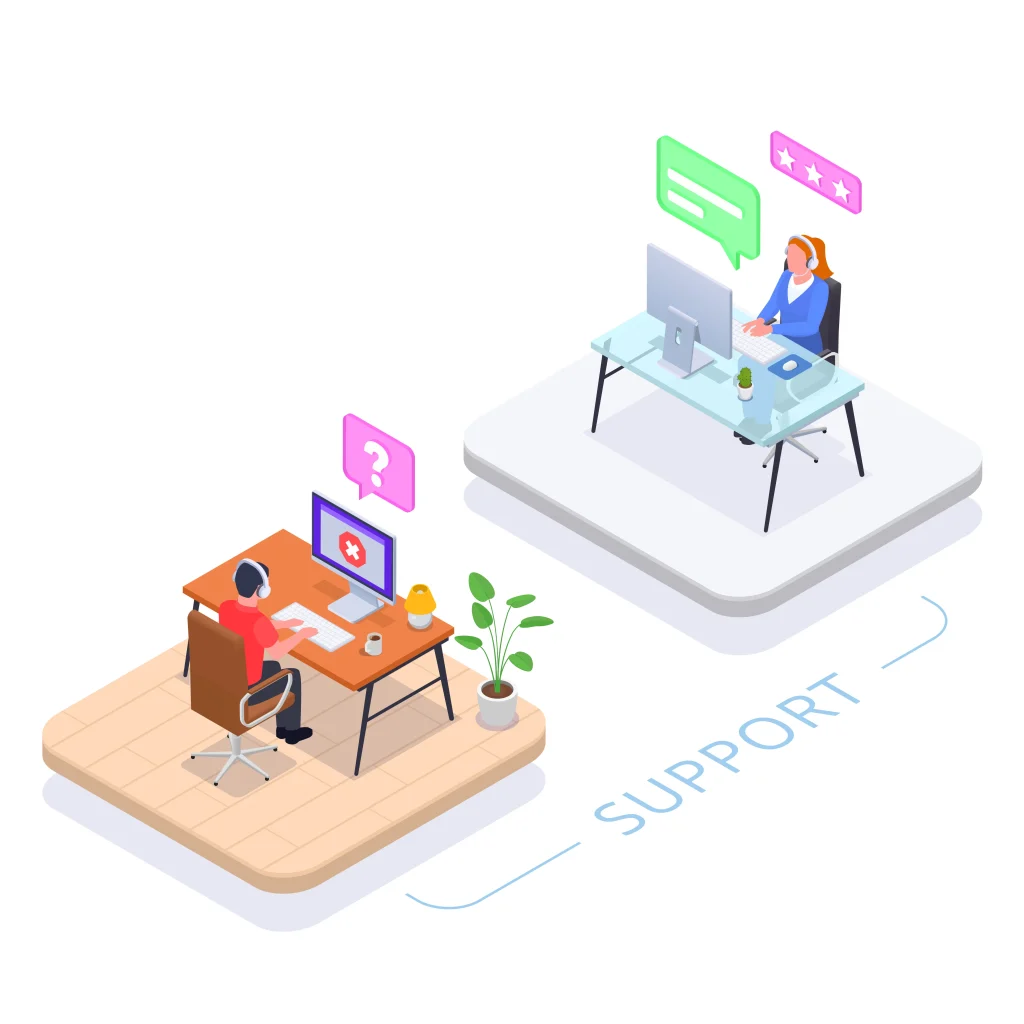
Every minute of downtime slows work and creates frustration for both users and IT teams. Fast remote access makes a big difference here. When a technician can connect to a device in seconds, issues get diagnosed and fixed before they disrupt an entire workflow.
This matters even more for hybrid teams, where waiting for an on-site visit isn’t an option. A reliable remote support tool with quick connection speeds helps teams jump into a session, see the problem in real time, and resolve it immediately.
The result is fewer delays, smoother operations, and a support experience that feels fast and responsive for everyone.
2: Automate Simple and Repetitive Tasks
Automation helps IT teams save time.
Common tasks include:
- system updates
- patch installs
- restarts
- software rollouts
Less manual work means support agents can focus on more challenging issues.
3: Manage All Devices in One Place
A single dashboard improves visibility. Teams can monitor device health, check alerts, and group devices by team or location.
Keeping all the devices in one place is one of the best steps to get the most out of the support system. This setup helps support agents respond faster because everything is in one system.
4: Strengthen Security and Access Controls
Security is vital in any remote setup.
Most leading platforms include:
- multi-factor authentication (MFA)
- role-based access
- encrypted connections
5: Use Unattended Access for Faster Fixes
Unattended access is one of the most powerful features in any remote support solution because it removes one of the biggest bottlenecks in IT support: waiting for the user. With unattended access enabled, technicians can connect to a device even when the employee isn’t online, isn’t available, or isn’t actively using the system.
With unattended access, IT teams do not need the user to be present. They can fix issues after hours or when the device is idle. This cuts delays and improves ticket resolution times.
6: Help Teams Work Together in Real Time
Some issues need more than one technician. Multi-technician sessions let support staff work together on the same device. This teamwork increases accuracy and reduces the chance of repeat issues.
Real-time teamwork not only boosts accuracy but also reduces the likelihood of repeat issues, since multiple experts can validate the fix on the spot. It also helps junior technicians learn from senior team members by watching them troubleshoot live.
7: Improve Onboarding and Training
Screen-sharing makes training simple. Support teams can guide new hires through software, settings, or device setups. This works well for SaaS companies and remote-first teams.
Instead of relying on long email instructions or static documentation, support teams can walk new hires through software, system settings, or device configurations step by step.
8: Support Operations Across Many Locations
For companies with multiple offices, field teams, or remote employees, remote support eliminates the need for costly travel or on‑site visits.
Technicians can troubleshoot devices, install software, and resolve issues instantly—no matter where the user is located. This also helps teams provide equal support for everyone, no matter where they are.
9: Use Session Recording for Better Documentation
Recorded support sessions help with:
- training new technicians
- reviewing tricky cases
- keeping audit logs
This improves consistency across the whole support team.
10: Integrate Remote Support with Your Existing Tools
A good support setup should fit your workflow.
Look for tools that connect with:
- ticketing systems
- monitoring tools
- help desks
This reduces back-and-forth and speeds up ticket handling.
Comparison Table: What to Look for in a Remote Support Platform
| Feature | Why It Matters |
| Fast connection speed | Reduces downtime and frustration |
| Security tools | Protects company data |
| Automation | Saves time on routine tasks |
| Unattended access | Allows flexible support |
| Integrations | Keeps workflows simple |
How to Choose the Right Remote Support Tool
Use this simple checklist:
- Is it easy to deploy?
- Does it offer strong security?
- Can it scale as you grow?
- Does it fit your current workflow?
- Is the price reasonable for your team size?
A tool that checks these boxes helps companies stay efficient and reduces stress for support agents.
Remote Support Is Only as Efficient as the Strategy Behind It
Remote support is now essential for any business with hybrid or distributed teams. These ten strategies make support faster, smoother, and more reliable.
By automating tasks, integrating systems, standardizing workflows, and empowering your team with the right features, you can dramatically improve efficiency and deliver faster, smarter support.
When companies use the proper setup and apply these methods well, they avoid long downtimes and keep work moving every day.