- You can create a meaningful birthday video in under an hour with the right process
- Gathering photos, messages, and clips beforehand saves the most time
- Choosing a clear tone (emotional or fun) keeps the video consistent
- AI tools simplify editing and reduce effort & personal voiceovers create the strongest emotional impact
- Music choice plays a key role in setting the mood & high-quality export ensures your video looks great on any platform
A handwritten card is nice. A custom birthday video? That’s unforgettable.
Most people never try making one because they assume it’s complicated, time-consuming, or requires video editing skills they don’t have. But here’s the truth: creating a meaningful birthday video doesn’t take hours anymore.
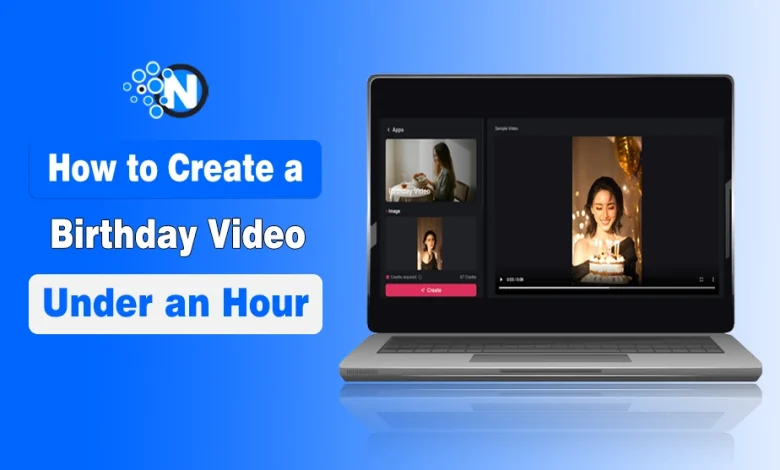
With tools like Pollo AI and a modern AI animation generator for personalized videos, you can create something personal, emotional, and polished in under 60 minutes, even if you’ve never edited a video before.
The secret isn’t technical skill. It’s a simple process.
In this guide, you will learn how to create a birthday video in less than 60 minutes.
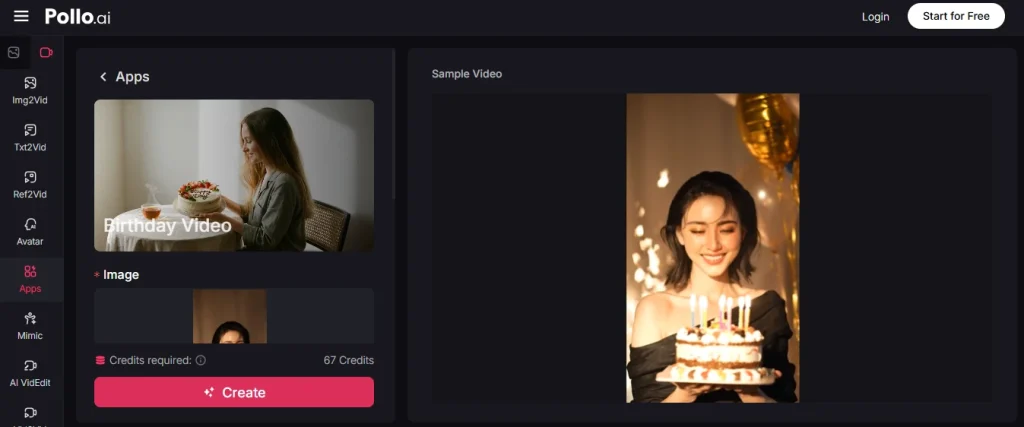
Steps to Create a Birthday Video using AI Tools
Step 1: Gather Everything First (10 Minutes)
Before you open any app, collect your content. This includes:
- 15–25 meaningful photos (different phases of their life)
- A short personal message
- Optional: a voice note or short video clip
Doing this upfront saves you from constant interruptions later. Most delays happen because people start editing before they’re ready.
Step 2: Choose the Right Tone (2 Minutes)
Think about the person you’re creating this for. Are they:
- Sentimental and emotional?
- Fun, sarcastic, and lighthearted?
Pick one direction and stick with it. A clear tone helps everything feel intentional. Mixing styles often makes the video feel disconnected instead of personal.
Step 3: Use a Template That Does the Work (5 Minutes)
This is where AI tools really help. Platforms like Pollo AI offer ready-made templates with:
- Animated intros
- Smooth transitions
- Text effects
Instead of designing from scratch, you’re just customizing. Choose a style that matches your tone, soft and elegant for emotional videos, bright and energetic for fun ones.
Step 4: Arrange Photos with Purpose (15 Minutes)
Don’t just drop photos randomly or strictly in order. Make it feel like a story:
- Start with a strong, recognizable moment
- Build through memories, milestones, or inside jokes
- End with something meaningful or forward-looking
This structure turns a basic slideshow into something memorable.
Step 5: Add a Personal Voice or Message (10 Minutes)
This is what makes people emotional. You can:
- Record a short voiceover
- Add meaningful captions
- Include a heartfelt message at the end
Keep it simple but specific. Mention real memories, shared moments, or things you genuinely appreciate. That’s what makes it feel personal, not generic.
Step 6: Pick Music That Actually Means Something (3 Minutes)
Music sets the entire mood. Choose:
- A song they love
- Something tied to a shared memory
- Or a track that fits the emotional tone
Avoid generic background music unless it truly fits. The right song can elevate the entire video.
Step 7: Export and Share (5 Minutes)
Use a reliable birthday video maker to export in high quality. Make sure it’s optimized for where you’ll share it:
- Or a screen at a party
Don’t let poor quality ruin the final impact.
Pro Tips: Make It Extra Special
- Add a Countdown Intro: Start with “3…2…1… Happy Birthday!” for instant excitement.
- Include Group Messages: Ask friends or family to record 5-second clips and stitch them in.
- Use Inside Jokes: A quick meme or funny caption can make the video unforgettable.
- Keep It Short: Aim for 2–4 minutes. Long videos lose attention, short ones hit harder.
- Surprise Reveal: End with a personal invitation (dinner, party, or gift reveal) to make the video part of the celebration.
- Test Before Sharing: Play it once on the actual platform (smartphone, projector, social app) to ensure sound and visuals work perfectly.
Final Thoughts
This entire process takes less than an hour, but the impact lasts much longer.
A birthday video isn’t about perfect editing. It’s about capturing moments, memories, and meaning in a way a simple message never can. And now, there’s no real barrier to creating one.
All it takes is a bit of thought, a few photos, and the willingness to make something that actually feels personal.