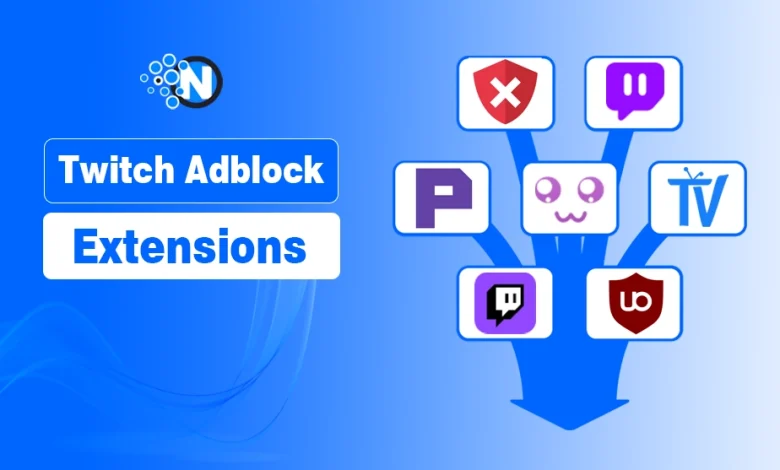
Tired of Twitch ads interrupting your favorite streams?
A reliable Twitch adblock extension can reduce pre-roll and mid-roll ads, making your streaming experience smoother. While no ad blocker works perfectly because Twitch regularly updates its advertising system, several extensions continue to perform well with frequent updates.
Now I will show you the best Twitch adblock extensions, compare their features, learn which one is right for your needs, and find out how to install them safely for a better streaming experience.
What is a Twitch AdBlock Extension?
Start creating Verdict in seconds, and convert more of your visitors into leads.
A Twitch AdBlock extension is a browser add-on that helps reduce or block ads while watching Twitch streams. It uses filtering or proxy-based methods to minimize interruptions from pre-roll and mid-roll ads.
Most extensions are available for Chrome, Firefox, and Opera. Since Twitch frequently updates how ads are delivered, no ad blocker is guaranteed to work all the time. Choosing a regularly updated extension gives you the best chance of an uninterrupted viewing experience.
What Are the Top 8 Twitch AdBlock Extensions for Chrome?
Start creating Verdict in seconds, and convert more of your visitors into leads.
Here are the best Twitch adblock extensions to improve your streaming experience.
Quick List of the Best Twitch AdBlock Extensions
- 1. Total Adblock – Best for blocking ads across multiple websites.
- 2. Video Ad-Block for Twitch – Best for reducing Twitch video ads.
- 3. Purple AdBlock – Best for Twitch-specific ad blocking.
- 4. TTV LOL – Best for bypassing Twitch pre-roll and mid-roll ads.
- 5. Twitch Live Extension – Best for an alternative Twitch viewing experience.
- 6. uBlock Origin – Best free ad blocker for Twitch and web privacy.
- 7. NordVPN Threat Protection – Best for privacy with built-in ad blocking.
- 8. Surfshark CleanWeb – Best for blocking ads and trackers while streaming.
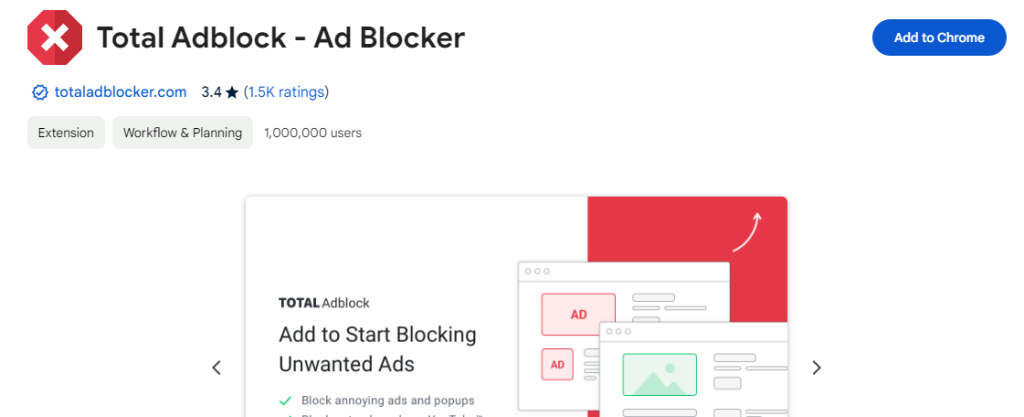
1: Total Adblock – Best for: Blocking ads across multiple websites, including Twitch.
Total Adblock is a good option for reducing ads on Twitch, especially if you want an easy-to-use ad blocker with additional web protection features. While it isn’t designed specifically for Twitch, it can block many display and video ads across websites, including some Twitch ads.
The extension is available for Chrome, Edge, and other Chromium-based browsers. It installs in just a few clicks and offers a simple interface for managing ad-blocking settings.
2: Video Ad-Block for Twitch- Best for: Blocking Twitch video ads.
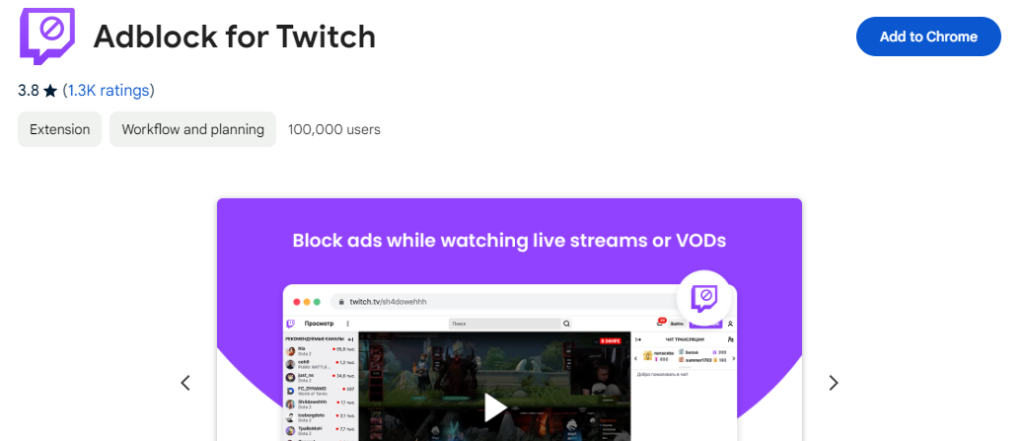
Video Ad-Block for Twitch is a Twitch-specific browser extension designed to reduce pre-roll and mid-roll ads during live streams. It works by replacing ad segments with a lower-quality version of the stream and restoring the original video quality once the ads end.
It is a famous extension because it blocks pre-roll and mid-roll video ads. It enables you to watch continuous streams of your favorite content producers, many of whom rely on the Twitch Affiliate Program for ad revenue.
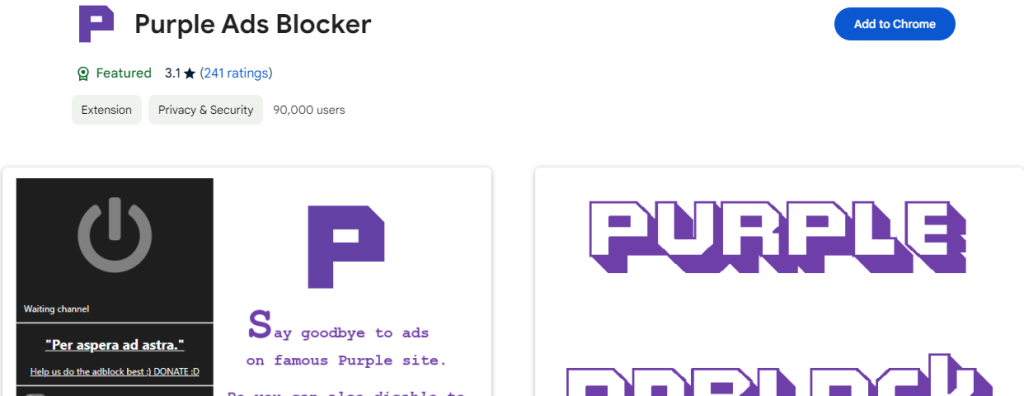
3: Purple Ads Blocker – Best for: Twitch-specific ad blocking.
Purple AdBlock is a browser extension designed specifically to reduce Twitch video ads using a proxy-based approach. It works on Chrome and Firefox and is one of the most popular options for minimizing pre-roll and mid-roll ads on Twitch.
It uses a proxy to replace the Twitch Playlist through an intermediary server in the region where the Twitch server has no ads to show. It enables you to watch uninterrupted streams. However, this ad-blocker only works on the official Twitch website.
4: TTV LOL – Best for: Bypassing Twitch video ads.
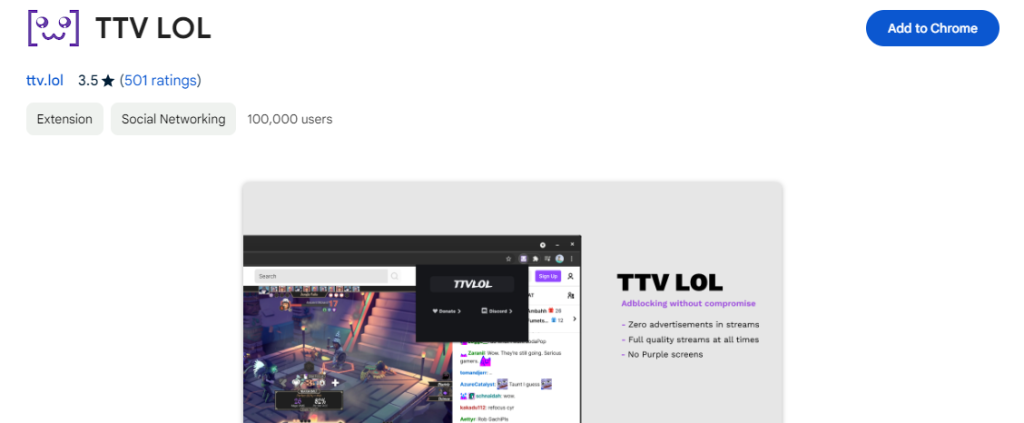
TTV LOL is a popular Twitch-specific extension that helps reduce pre-roll and mid-roll ads using a proxy-based method. It’s available for Chrome and other Chromium-based browsers and is widely used by viewers looking for fewer ad interruptions.
It allows you to block pre-roll and post-roll ads most effectively. However, in May 2021, it came out that TTV LOL was leaking Twitch IDs and IP addresses. However, people still use this ad blocker, one of their favorites.
5: Twitch Live Extension – Best for: Watching Twitch streams in an alternative web player.
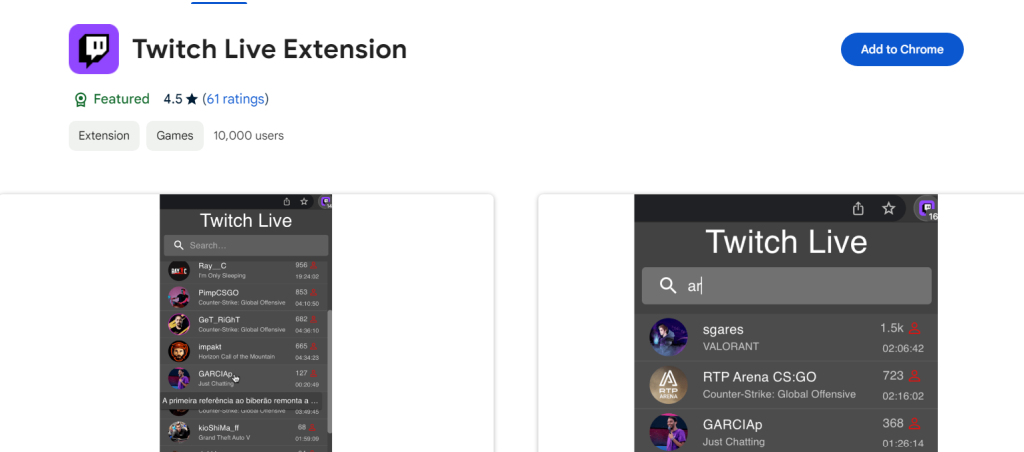
Twitch Live Extension provides an alternative way to watch Twitch streams and may reduce some ad interruptions depending on how the stream is delivered.
Unlike dedicated Twitch ad blockers, it focuses on providing a different viewing experience rather than blocking ads directly.
6: uBlock Origin – Best for: Free and privacy-focused ad blocking.
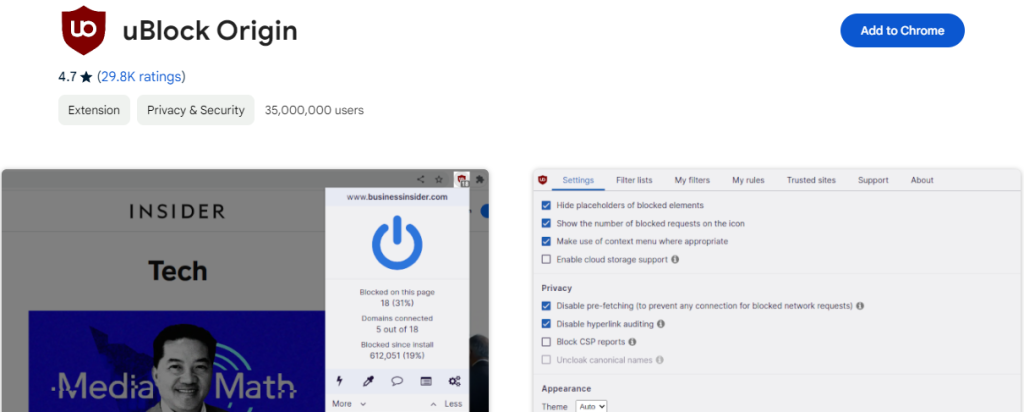
uBlock Origin is one of the most reliable ad blockers for reducing Twitch ads while also blocking ads and trackers across the web.
It supports Chrome, Firefox, Edge, and other major browsers and is widely known for its lightweight performance and customizable filtering rules. If Twitch streams stop loading or display errors like 2000 after changing browser extensions, troubleshooting the issue before adjusting your filter lists can save time.
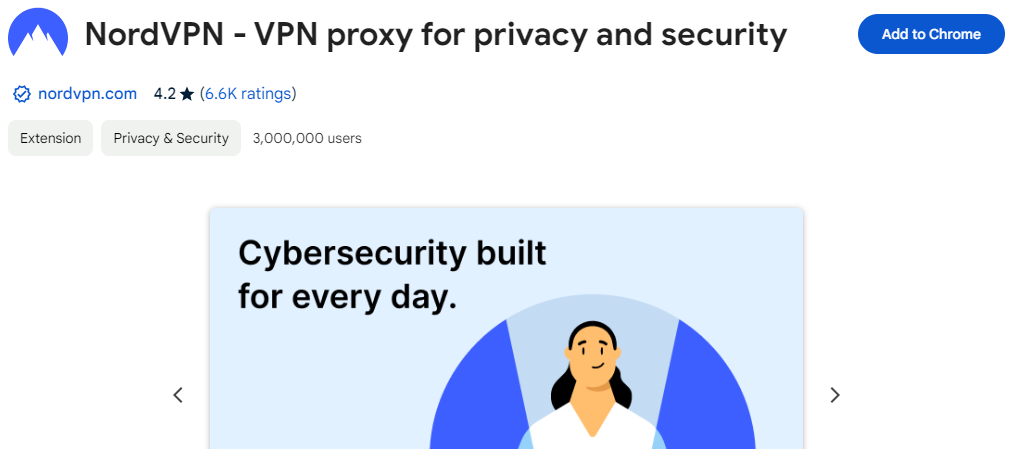
7: NordVPN Threat Protection – Best for: Privacy and ad blocking.
NordVPN Threat Protection is a security feature that blocks ads, trackers, and malicious websites while you browse the web, including Twitch.
Although it isn’t a dedicated Twitch ad blocker, it can help reduce some ads while adding an extra layer of online privacy.
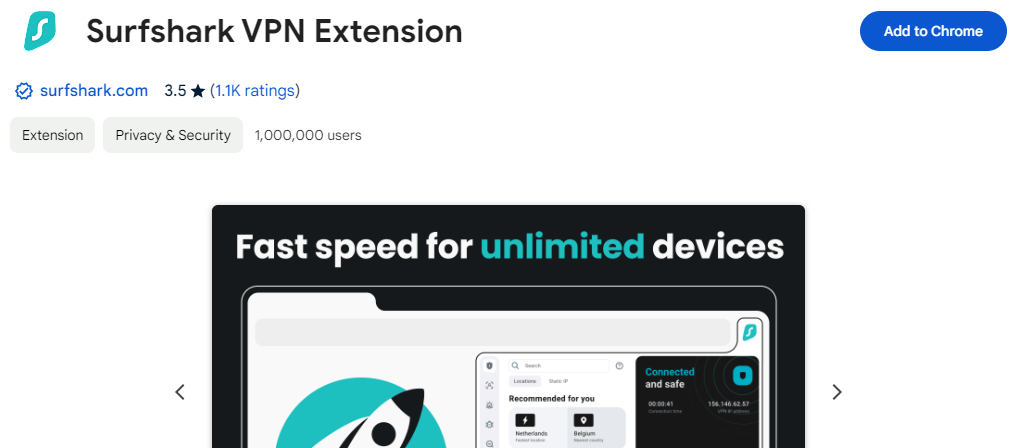
8: Surfshark CleanWeb – Best for: Privacy-focused ad blocking.
Surfshark CleanWeb is a built-in feature that blocks ads, trackers, and malicious websites while you browse, including on Twitch. Although it isn’t designed specifically for Twitch, it can help reduce some ads while improving your online privacy.
Pro Tip
Those who don’t want to use these extensions can opt-out for a Twitch Turbo subscription, where users can ultimately stream without ad interruption and have multiple other options.
How to Install a Twitch AdBlock Extension?
Start creating Verdict in seconds, and convert more of your visitors into leads.
You can install a Twitch adblock extension in just a few minutes from your browser’s official extension store. Most extensions support Chrome, Firefox, and other popular browsers.
Follow these steps:
- Open your browser’s extension store, such as the Chrome Web Store or Firefox Add-ons.
- Search for your preferred extension, such as uBlock Origin, Purple AdBlock, or TTV LOL.
- Select the extension and click Add to Chrome, Add to Firefox, or the appropriate install button.
- Confirm the installation and pin the extension to your browser if needed.
- Open Twitch, refresh the page, and check whether ads are being reduced or blocked.
Tip: Keep your Twitch adblock extension updated, as Twitch regularly changes its ad delivery system, which can affect how well ad blockers perform.
Which Twitch AdBlocker Works Best?
uBlock Origin → Best free ad blocker
TTV LOL / Purple AdBlocker → Best for Twitch-specific ads
NordVPN / Surfshark → Best for privacy + ad blocking
Are Twitch AdBlock Extensions Safe?
Start creating Verdict in seconds, and convert more of your visitors into leads.
Yes, most Twitch adblock extensions are safe to use if you install them from trusted sources such as the Chrome Web Store or Firefox Add-ons.
The biggest risks usually come from unofficial or unverified extensions that may collect unnecessary data or contain malicious code.
Before installing a Twitch adblock extension, keep these best practices in mind:
- Download extensions only from official browser extension stores.
- Choose well-known options like uBlock Origin, Purple AdBlock, or TTV LOL.
- Review the permissions an extension requests before installing it.
- Keep the extension updated to maintain compatibility and security.
- Remove extensions you no longer use to reduce unnecessary browser permissions.
Using a reputable, regularly updated extension helps improve both your browsing security and your Twitch viewing experience.
People Also Ask for Twitch ad-block Extensions for Chrome
Start creating Verdict in seconds, and convert more of your visitors into leads.
Q1: How do you block ads on Twitch?
You can block ads on Twitch with reliable Adblock Extensions.
Q2: Can I block all ads on Twitch?
You may eliminate most Twitch ads with top-class and trustworthy ad blockers.
Q3: Does Twitch block the Ads Blockers?
No, it does not block ads blockers used to block ads on Twitch.
Q4: What is the best adblock for Twitch?
The best adblock for Twitch includes uBlock Origin, TTV LOL, and Purple AdBlocker, as they effectively block pre-roll and mid-roll ads.
Q5: Why is my Twitch adblock not working?
Twitch frequently updates its ad system, which can break ad blockers. Updating extensions or switching tools usually fixes the issue.
Q6: What is the best Twitch adblock extension for Chrome?
uBlock Origin is the best Twitch adblock extension for Chrome due to its strong filtering and consistent performance.
Final Thoughts on Twitch AdBlock Extensions
Start creating Verdict in seconds, and convert more of your visitors into leads.
Choosing the right Twitch adblock extension depends on your browsing preferences and privacy needs. uBlock Origin is a strong all-around choice, while Purple AdBlock and TTV LOL are better suited for users looking for Twitch-specific ad blocking.
For the best experience, install extensions only from official browser extension stores and keep them updated, as Twitch regularly changes its advertising system.