- On TikTok and Instagram, minor issues like lighting, compression, and fuzz can reduce perceived video quality more than missing ideas.
- These tools fix imperfections quietly, making phones and bedrooms feel like professional setups without slowing down creators.
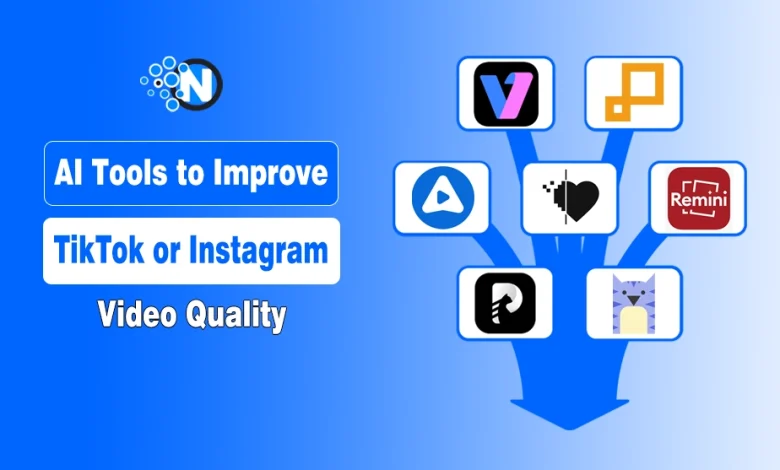
- Top AI tools for TikTok & Instagram video quality include Vmake, Pixop, AVCLabs, Neural Love, Remini, HitPaw, Kapwing, Video2X.
- Comparing outputs helps identify strengths and best-fit workflows.
Great short-form videos don’t fail because of bad ideas. They fail because of small quality issues.
A little blur, weak lighting, or compression artifacts can make a clip look rough even when the content is strong. Since TikTok and Instagram viewers scroll quickly, those details can decide whether someone keeps watching or moves on.
That’s where AI video enhancement tools help and fix many of these problems in seconds. From sharpening footage to upscaling resolution, they help creators turn average clips into clean, watchable content.
In this blog post, I have listed the 8 AI video enhancer tools that creators can use to improve TikTok and Instagram videos for better quality and engagement.
Top 8 Tools Creators Use to Fix and Improve TikTok and Instagram Video Quality
These are the tools that help repair video quietly while keeping the original feel intact.
1. Vmake
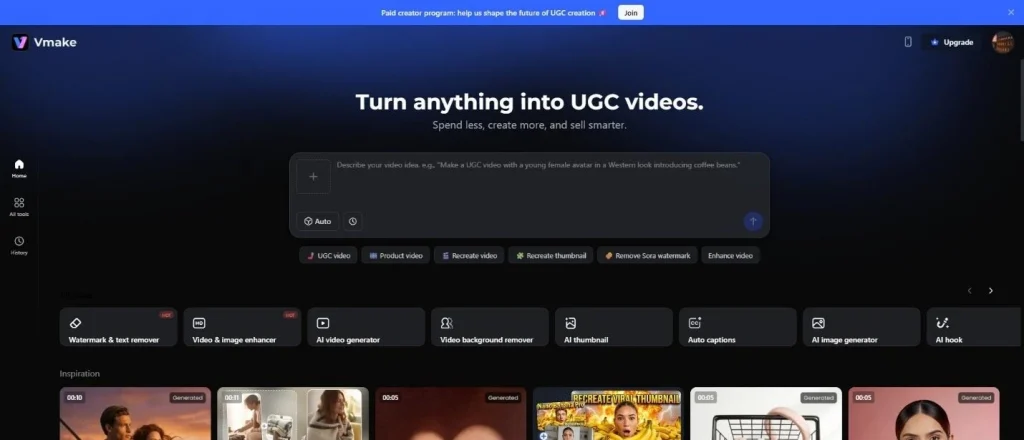
Vmake appears first for practical reasons. It addresses several quality problems at once without forcing a complex setup. Video enhancement, background removal, watermark cleanup, and audio correction all live inside one interface.
The enhancement process stays conservative. Sharpness improves without exaggeration. Lighting evens out without flattening depth. Faces keep texture, which matters in close-frame social videos.
Vmake works well on clips pulled from older drafts or previously uploaded content. It also handles vertical formats cleanly, avoiding awkward cropping. For creators publishing often, this kind of quiet reliability matters more than novelty.
Key Features
- AI-powered video enhancement and sharpening
- Background remover for cleaner social videos
- Automatic watermark removal
- Audio enhancement and noise reduction
- Optimized for vertical video formats (TikTok & Instagram)
- Fast processing for frequent uploads
2. Pixop
Pixop operates mostly behind the scenes, often used in professional environments rather than creator circles. Its strength lies in controlled enhancement. Resolution improvement, noise reduction, and stabilization are handled carefully.
Pixop does not push footage beyond what it can realistically support. Movement stays smooth. Edges stay clean. This approach suits Instagram videos featuring motion, such as fitness clips or product demonstrations. Because Pixop runs in the cloud, it works well for batch processing. Teams managing multiple short clips benefit from consistent output across posts.
Key Features
- Cloud-based AI video enhancement
- Professional-grade noise reduction
- Motion stabilization tools
- AI upscaling for higher resolutions
- Batch processing for multiple videos
- Ideal for team workflows

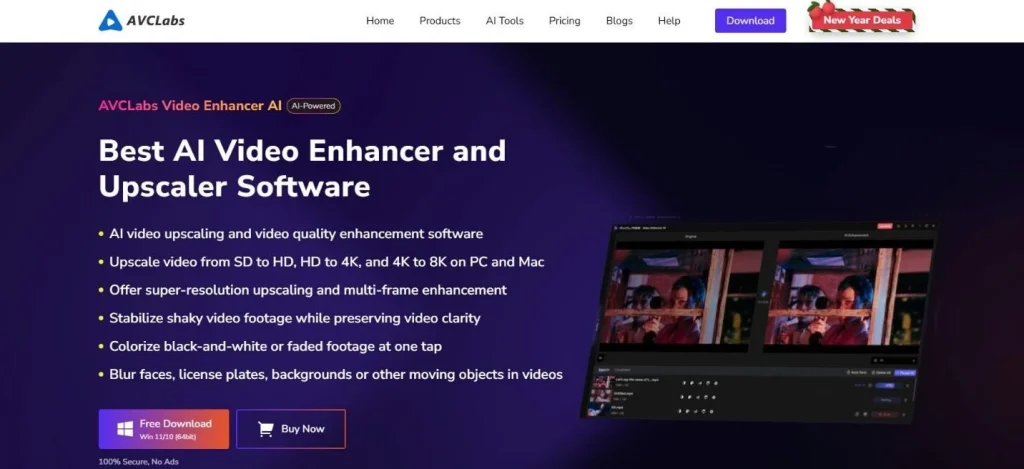
3. AVCLabs Video Enhancer AI
AVCLabs fixes clips caught in bad spots. Dim rooms, fuzz, and shakes get a light touch instead of a harsh scrub. The tool includes different enhancement models based on content ideas and type, which helps avoid overcorrection. Skin tones remain natural.
Backgrounds retain depth. AVCLabs works best when creators need visible improvement without dramatic shifts in appearance. It fits content meant to feel casual yet clear.
Key Features
- AI-powered video upscaling (up to 4K)
- Noise removal and motion stabilization
- Face refinement and skin tone enhancement
- Multiple AI models for different video types
- Frame interpolation for smoother playback
4. Neural Love Video Enhancer
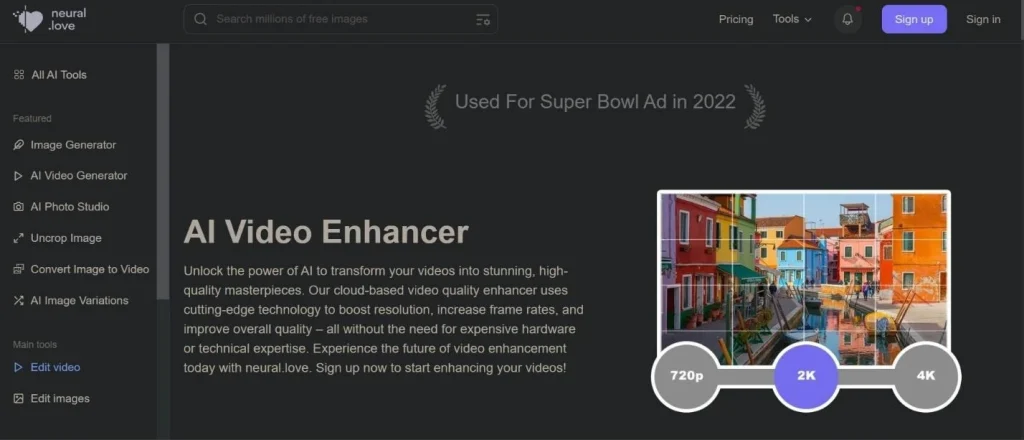
Neural Love offers a simple approach to video improvement. The platform focuses on clarity and resolution while keeping processing subtle.
Short TikTok clips benefit most from this tool. It sharpens footage without introducing artificial textures. Motion remains stable, even in handheld recordings.
Neural Love works well for creators who want improvement without diving into settings. The output feels restrained, which aligns with how social feeds reward authenticity.
Key Features
- AI video sharpening and clarity improvement
- Automatic resolution enhancement
- Noise reduction and color correction
- Web-based interface with simple controls
- Works well with short social media clips
5. Remini Video Enhancer
Most know Remini for fixing old photos, but its video gear nails short clips. It homes in on faces, making it a win for talking-head shots. Talking clips, reactions, and educational videos benefit from Remini’s approach. Faces sharpen without becoming overly smooth. Expressions stay readable.
Remini performs best on short segments rather than long edits. It fits creators’ postings frequently and focuses on personal presence.
Key Features
- Advanced AI face enhancement
- Detail recovery for blurry footage
- Designed for short video clips
- Mobile-friendly editing workflow
- Ideal for talking-head and reaction videos
6. HitPaw Video Enhancer
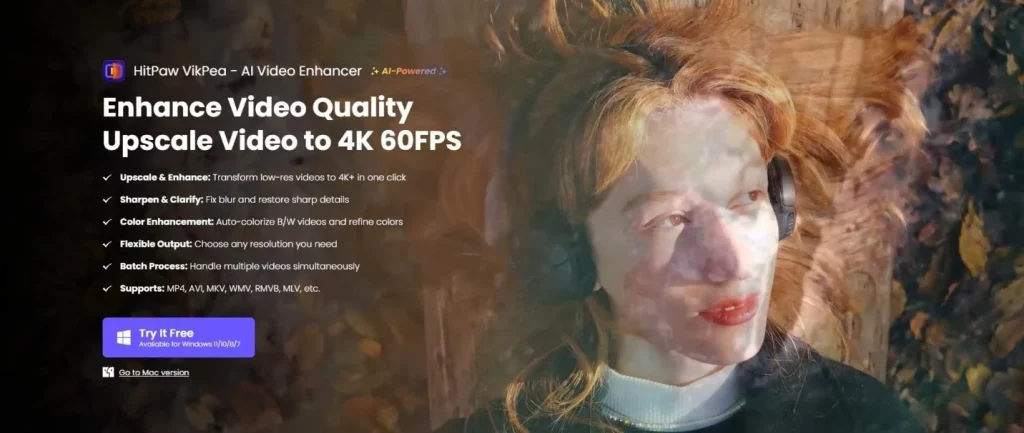
HitPaw is about speed, not being a pro. Its tech fixes fuzz, bumps pixels, and scrubs out junk. It’s a solid pick for vlogs shot on the fly. Dim rooms, harsh sun, and shakes get smoothed out properly.
HitPaw fits anyone wanting a fast fix without learning a massive, complicated editing program.
Key Features
- AI video upscaling to higher resolutions
- Blur and noise reduction
- Motion stabilization
- Multiple AI enhancement models
- Beginner-friendly interface
7. Kapwing
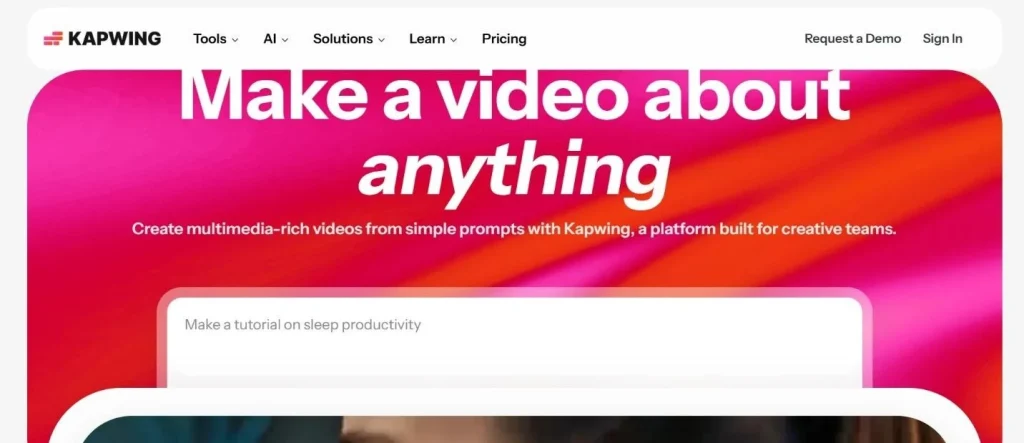
Most see Kapwing as just a basic editor, but its polish tools really carry social media work. Fixing dim lights, clearing fuzz, and quickly exporting prep clips for TikTok and Instagram fast.
It’s a win for teams handling captions and resizing in one spot. Making shots look good is just baked in, not an extra chore. It fits makers who stay fast and mostly steady.
Key Features
- Online video editor with enhancement tools
- Automatic subtitles and caption generation
- Video resizing for social platforms
- Quick exports for TikTok and Instagram
- Collaboration features for teams
8. Video2X
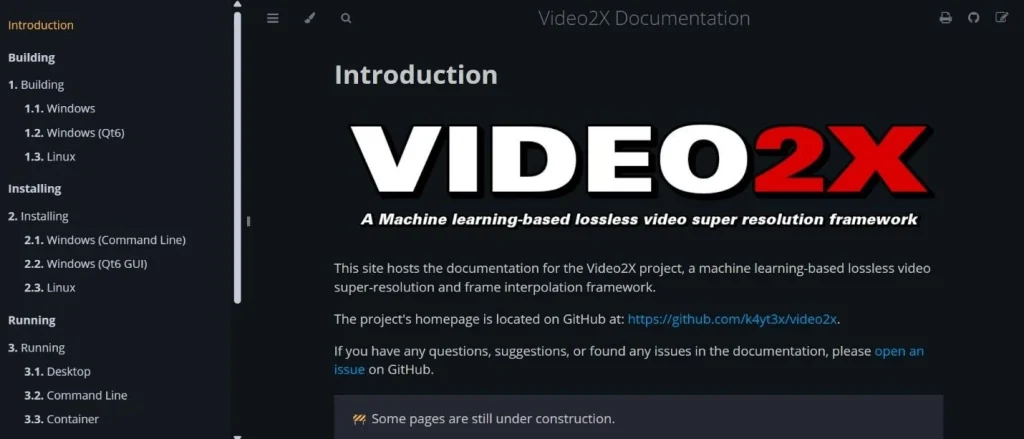
Video2X is a lesser-known open-source tool focused on resolution improvement. It specializes in rebuilding detail when footage needs to scale up.
While not built specifically for social media, Video2X helps when older clips need reuse across formats. It requires more setup, yet results remain controlled when configured properly. This tool suits technically comfortable users rather than casual creators.
Key Features
- Open-source AI video upscaling
- Detail reconstruction for older footage
- Supports multiple AI enhancement models
- High control for advanced users
- Useful for restoring archived content
Choosing Tools Based on Workflow, Not Hype
- The right tool depends on how videos are created and where they end up. Daily posting time and schedules favor tools that work quickly, apply light corrections, and export without extra steps. When speed matters, simplicity often leads to better consistency across uploads.
- Campaign-focused content follows a different path. Videos reused for ads, product pages, or brand channels benefit from tools that offer finer control and higher resolution output. These workflows allow more time for adjustment, making deeper enhancement worthwhile.
- Audio quality carries equal weight to visuals. Crisp audio keeps folks watching longer, especially on phones where people lean on every word. Fuzzy hiss, jumpy levels, or muddy voices kill views even if the video looks sharp.
- Tools that handle both audio and video cleanup reduce production friction. Fewer handoffs mean fewer mistakes and faster turnaround.
- Testing multiple tools on the same clip often reveals real strengths. Side-by-side comparisons show differences that marketing pages rarely explain.
Final Thoughts
Improving TikTok or Instagram video quality doesn’t require expensive cameras or complex editing software.
Modern AI tools work quietly in the background to repair footage, sharpen details, and stabilize motion. The real key is knowing when to stop.
Videos that look clean but still natural tend to perform best in social feeds.
Tools like Vmake strike that balance by improving quality without making footage feel artificial. When paired with a few simple enhancement tools, creators can keep their workflow fast while producing clips that look sharp and professional across every platform.