The best automated artwork generators for creators include Midjourney, Leonardo.Ai, Flux, Adobe Firefly, Playground, ImagineArt, and Runway Gen-3. These tools let you turn a simple text prompt into a polished, professional image in under a minute.
These platforms deliver quality results fast. Whether you require a YouTube thumbnail, product mockups, blog headers, or just want to create art for fun. I have tested dozens of generators, which include both free and paid, and these are the ones that gave me the most creative control.
Key Takeaways
- Midjourney leads for the highest artistic and cinematic quality.
- Leonardo.Ai offers the best free daily allowance + powerful editing.
- Ideogram 2.0 and Recraft V3 dominate when you need perfect text inside images.
- Adobe Firefly is unbeatable if you already pay for Creative Cloud.
- Flux through Fal.ai, NightCafe, and others delivers near-top-tier quality at low or no cost.
- Playground and ImagineArt are generous free-tier options with a strong variety.
- Runway Gen-3 excels when you want to turn stills into short animated clips.
- Grok Image Generation is great for quick experiments if you have X Premium.
Best Automated Artwork Generators Comparison
| Artwork Generator | Image Use | Video Generation | Audio Generation | Price |
| Midjourney | Artistic/cinematic visuals | Yes | No | $10-120/month |
| Leonardo.Ai | Anime, game assets, editing | Yes | Yes (short clips) | Free tier + $10–$60/month |
| Ideogram 2.0 | Text inside images, posters, merch | Yes | No | Free tier + $7–$42/month |
| Flux | Great detail & prompt accuracy | Yes | No | Free and low-cost through hosts |
| Adobe Firefly | Photoshop / Express users | Yes | Yes | Included in Creative Cloud (50+/month) |
| Playground | Model variety + free daily generations | Yes | No | Free tier + $12–$36/month |
| ImagineArt | Simple interface + good results | Yes | No | Free tier + $15–$250/month |
| Recraft V3 | Text-in-image & realism | Yes | No | Free tier + $10–$55/month |
| Runway Gen-3 | Image-to-video & animation | Yes | Yes | Free tier + $12–$76/month |
| Grok (xAI) | Quick experiments for X Premium users | Yes | No | Free |
Midjourney – Best for High-quality Artistic Visuals
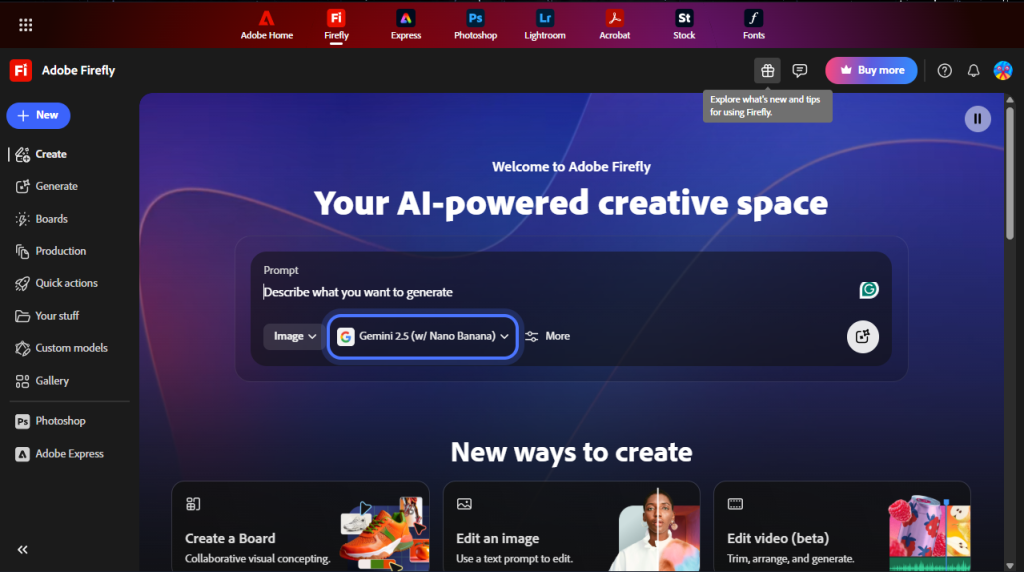
Pricing: $10–$120/month
Key features:
- Painterly, cinematic, and stylized results
- Prompt-based image generation
- Four image variations per prompt
- Large creative community for inspiration
- User-friendly web app
Midjourney is one of the most trusted platforms for AI artwork, and it delivers unmatched artistic quality. Simply enter a detailed prompt, adjust parameters for style, and the platform generates four unique images in seconds.
You can upscale, remix, or create variations instantly. The active community provides endless prompt ideas and examples.
Best for:
- High-quality illustrations
- Concept artists
- Book cover designing
- Cinematic thumbnail creators
Downsides:
- Requires a paid plan for full use
- Learning curve for prompt writing
- Lacks built-in image editing tools
Leonardo.Ai – Best for Game-ready Asset Creation
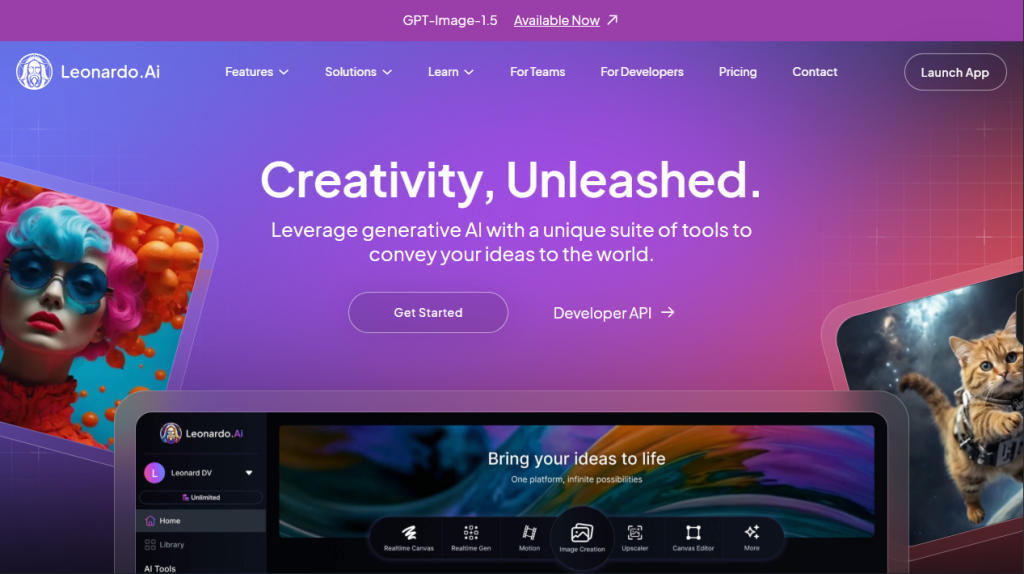
Pricing: Free tier (150 fast tokens/day), paid plans $10–$50/month
Key features:
- Image-to-image and canvas editing
- Real-time canvas generation
- Motion (short video from image)
- Fine-tuned models for anime, realism, 3D, and game assets
- Alchemy mode and prompt magic for better results
Leonardo is one of the most complete all-in-one AI art generators. It’s easy to go from prompt to finished artwork, whether you need anime, realistic, 3D, or game asset images. The editing tools and model options are powerful, and the free tier is generous.
Best for:
- Game asset creators
- Anime/digital artists
- Product mockup designers
- Anyone who wants free daily generations with advanced editing
Downsides:
- Paid plans are needed for unlimited generations and a faster queue.
- It can feel overwhelming with so many features at first.
Ideogram 2.0 – Accurate Text-Based Designs
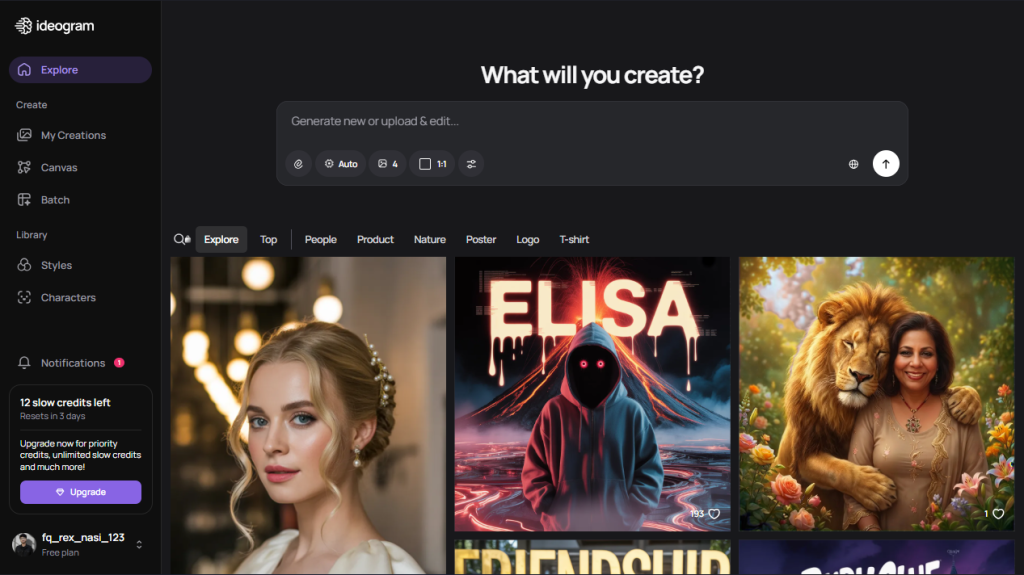
Pricing: Free tier available, paid plans $7–$42/month
Key features:
- Clean, readable text inside images
- Style reference and remix tools
- Consistent aesthetics across images
- Suitable for posters, book covers, social media quotes, logos, album art, and merch designs
Ideogram is popular for solving the “text in images” challenge that other generators struggled with. The v2 model (2026) reliably creates artwork with perfect, clear text for any use case. Style reference and remix features keep your visuals consistent. The free tier is usable (with slower speeds and daily limits), and paid plans are accessible.
Best for:
- Typography-heavy designs
- Motivational posters
- Book covers
- Merch mockups
- Any creator who needs clear, legible text in visuals
Downsides:
- Less strong on pure photorealism than Leonardo or Midjourney
- Queue times on the free plan can be long during peak hours.
Flux – Best for Fast High-Detail Generation
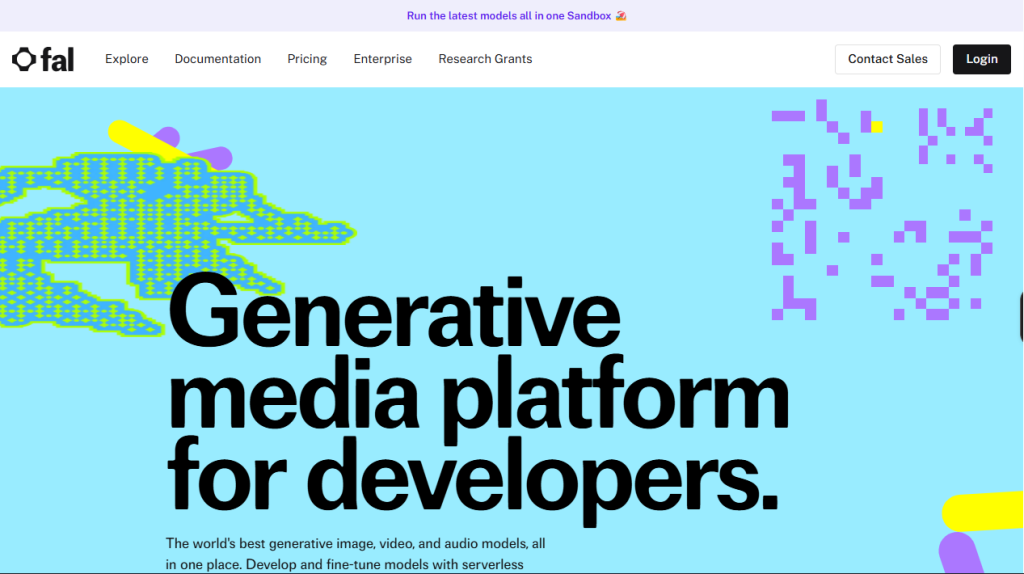
Pricing: Free or very low cost through multiple web UIs such as Fal.ai, Grok, etc.
Key features:
- Extremely sharp, detailed images
- Strong text rendering
- Excellent prompt following
- Runs on open-source models such as Flux.1 Pro, Flux.1 Dev
- Available through Fal.ai (pay-per-use), NightCafe (subscription/credits), and Grok (free for X Premium users)
Flux models are some of the strongest open-source image generators. It delivers top-tier detail, natural anatomy, and reliable text rendering, competing with paid leaders at a much lower cost.
Multiple platforms support Flux, such as, Fal.ai so you can choose the interface and price point that suits your workflow.
Best for:
- Creators seeking Midjourney-level quality at a lower cost
- Accurate anatomy and text
- Open-source enthusiasts
Downsides:
- Different hosts have different user interfaces and queues.
- No single official platform
- Requires good prompt writing
Adobe Firefly – Best for Commercial-Safe Brand Visuals
Pricing: Free tier (limited credits), paid plans start at $9/month without Creative Cloud.
Key features:
- Seamless integration with Adobe Creative Cloud
- Text-to-image, text effects, and generative fill
- Easy editing with Photoshop and Illustrator
- Commercial use is included in paid plans.
- High-quality, editable outputs
Adobe Firefly brings generative AI directly into Adobe’s creative suite. You can create images, text effects, and fill areas with simple prompts, then edit further in Photoshop or Illustrator. It’s a smart choice for professionals already using Adobe tools.
Best for:
- Designers and creative professionals
- Agencies with Adobe workflows
- Anyone needing AI art for commercial use
Downsides:
- Requires an Adobe account for full features
- Limited credits on the free plan
- Best results often require post-editing in Adobe apps.
Playground v3.5 / Playground 4 – Best for Creative Experimentation
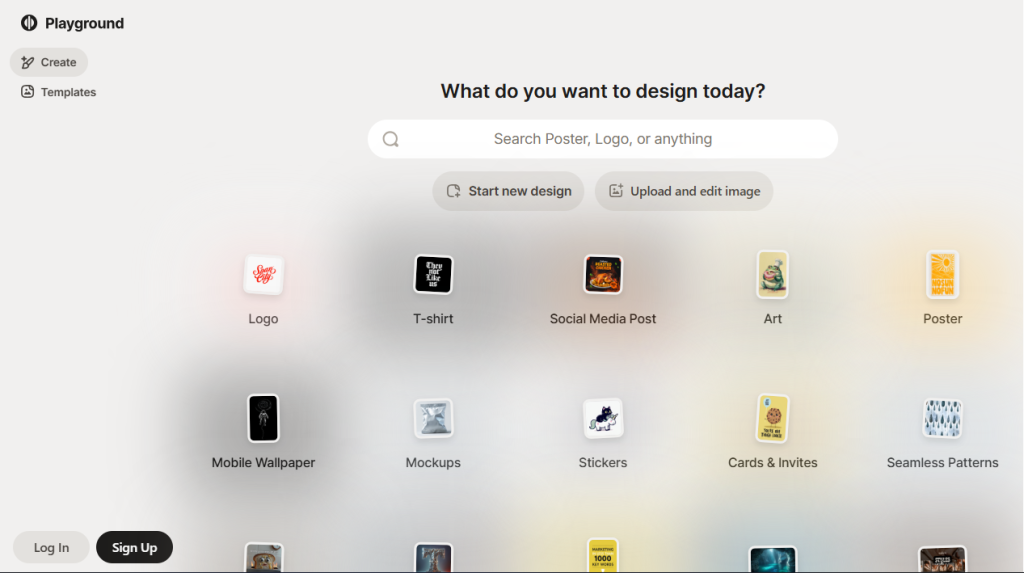
Pricing: Free tier, paid plans from $12-$36/month
Key features:
- Simple prompt-based image generation
- User-friendly interface with fast results
- Built-in face editing and background tools
- Community sharing and remixing
- Supports multiple styles and models
Playground is great for quick, creative image generation. It’s easy to use and offers fast results, with features for editing faces, backgrounds, and remixes. The community aspect lets you explore and modify others’ creations for inspiration.
Best for:
- Beginners and casual creators
- Social media content
- Quick creative brainstorming
Downsides:
- Some features are limited to paid plans.
- Less control over advanced settings compared to Pro Tools
ImagineArt – Best for Stylized AI Artwork
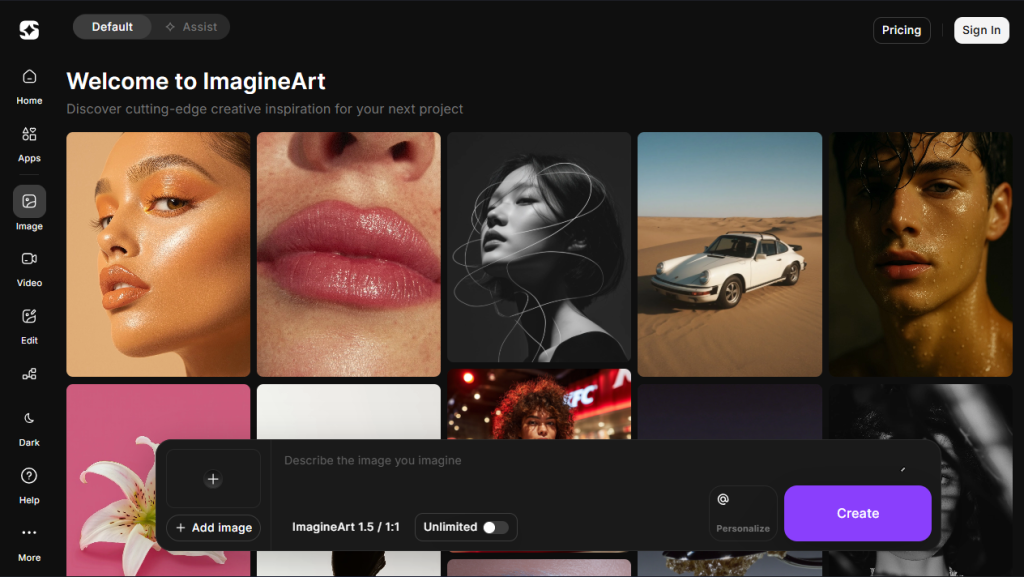
Pricing: Free tier (limited daily generations), paid plans from $15-$250/month
Key features:
- Fast, high-quality image generation
- Wide range of styles and presets
- Mobile-friendly interface
- Community gallery for inspiration
ImagineArt offers a simple and mobile-friendly way to create unique images. It provides you with a variety of presets and styles, so you can generate high-quality artwork quickly, even on your phone. The community gallery is a good source for ideas and trends.
Best for:
- Mobile users
- Quick, on-the-go creations
- Creating social media impact and personal use
Downsides:
- Daily limits on the free plan
- Less editing flexibility than desktop tools
Recraft V3 – Best for Vector and Logo Design
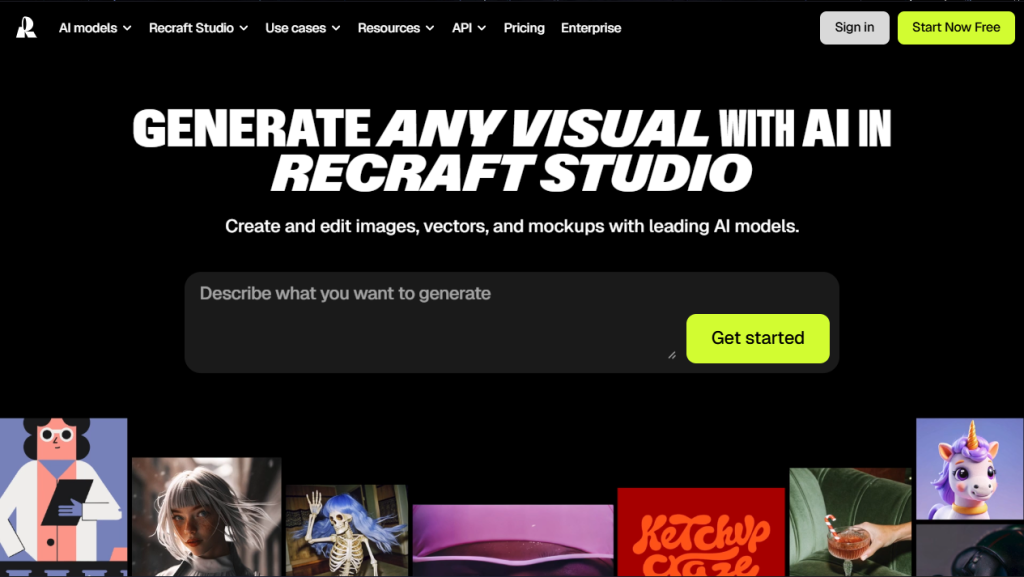
Pricing: Free plan available, paid plans from $10-$55/month
Key features:
- Instant vector and raster artwork generation
- Easily switch between vector, raster, and transparent PNGs
- Smart upscaling and background removal
- Built-in editing and layer tools
- Templates for social media, print, and web
Recraft is ideal for creators who need fast, editable graphics. You can generate and customize illustrations, icons, or backgrounds in seconds, and export them as vectors or high-res images.
It’s great for social media, websites, or print, and edits are straightforward with a user-friendly interface.
Best for:
- Social media managers
- Designers needing vector exports
- Marketers and content creators
- Anyone needing rapid, editable artwork
Downsides:
- Advanced features require a paid plan.
- Vector editing options are not as extensive as pro design tools.
Runway Gen-3 Alpha – Best for AI Video Generation
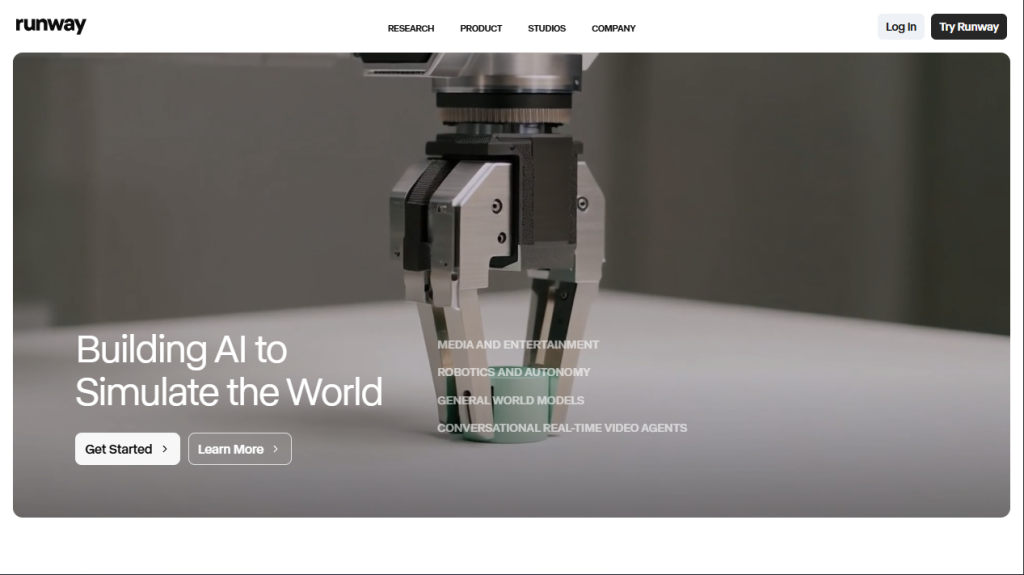
Pricing: Free tier (limited credits), paid plans from $12-$76/month
Key features:
- AI video and image generation
- Real-time video editing and effects
- Supports text-to-video and image-to-video
- Collaborative tools for teams
- Integrates with creative workflows
Runway Gen-3 is a leading platform for AI video and image generation. It’s designed for creators who want to turn text or images into dynamic video content, with real-time editing and team collaboration tools.
Best for:
- Video creators and editors
- Marketers and content teams
- Anyone needing fast AI-powered video or image generation
Downsides:
- The free plan has limited credits and features.
- Best for users familiar with basic video editing.
Grok Imagin – Best for Real-Time Concept Ideation
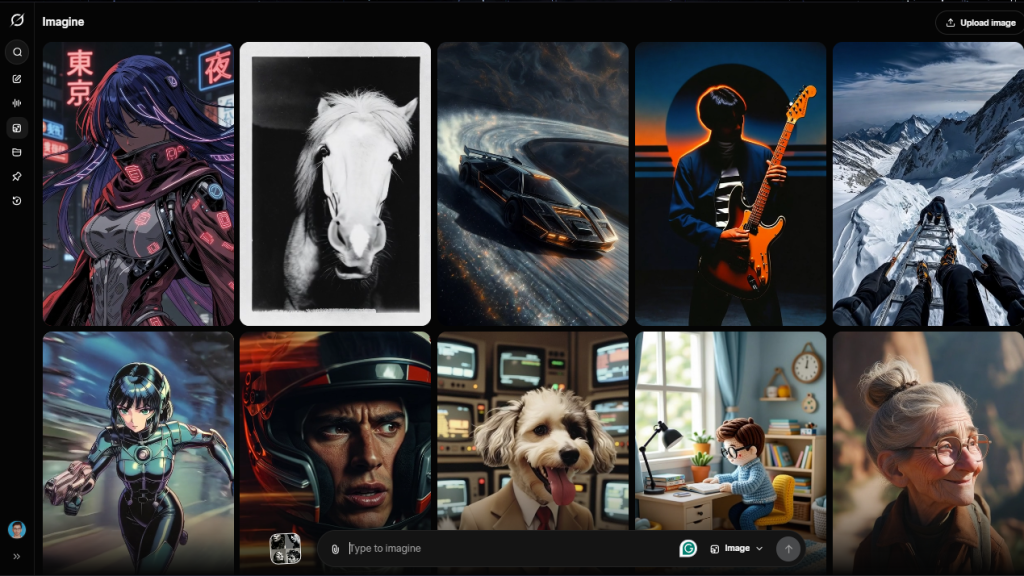
Pricing: Free
Key features:
- AI-powered image generation
- Fast results for social sharing
- Simple, prompt-based workflow
Grok Image Generation is ideal for X (Twitter) Premium users who want to create and share AI images directly on the platform. It’s fast, easy, and great for boosting engagement with custom visuals.
Best for:
- X (Twitter) users
- Social media engagement
- Quick, shareable images
Downsides:
- Fewer features than standalone AI art platforms
Final Thoughts
After personally testing the best automated artwork generators, I’m convinced that platforms like Midjourney, Leonardo.Ai, Flux, Adobe Firefly, and more are essential for any modern creator.
These AI art generators let creators turn ideas into professional-quality images for social media, product mockups, and unique designs in seconds.
Choosing the right AI image generator will save you time and elevate your creative projects. I suggest you embrace these tools to stay ahead in digital design.