When projects hit the final stretch, feedback volume spikes. Designers, developers, stakeholders, and clients all want changes—fast. Visual feedback tools eliminate confusion and speed up collaboration by providing context-rich comments directly on websites, designs, or products.
Top Visual Feedback & Markup Tools
Below you will find some of the most commonly used visual feedback and markup tools that project managers compare during pre-launch QA.
1. BugHerd — Best Overall for Website Feedback
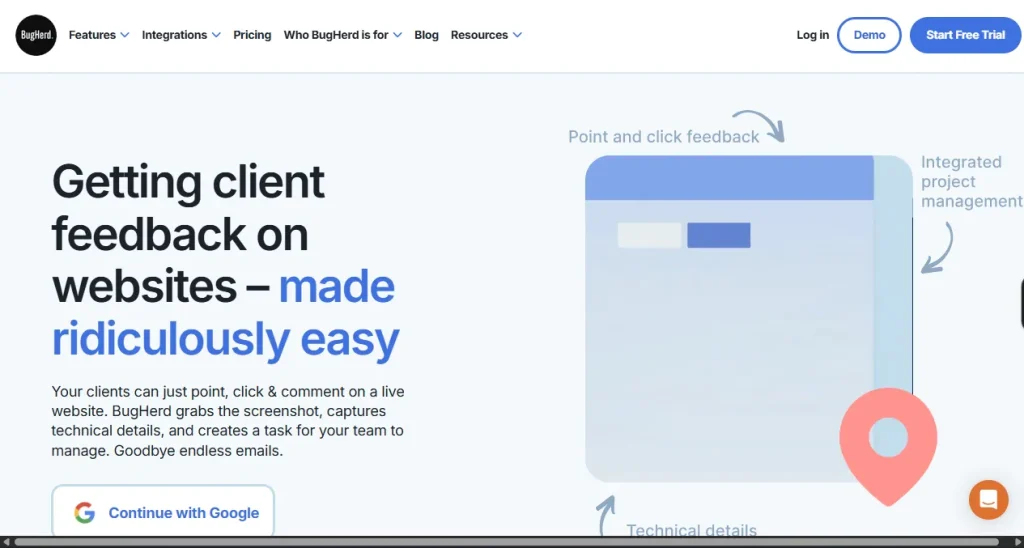
BugHerd is purpose-built for collecting feedback directly on live websites. Comments are pinned to specific elements, automatically capturing browser, screen size, URL, and technical context.
For project managers, this removes ambiguity entirely. Developers know exactly what needs fixing, designers see issues in context, and clients don’t need to explain themselves with screenshots or long emails.
Best suited for: Teams managing multiple stakeholders, tight timelines, and frequent client reviews.
Key Features:
- Pin comments directly to live website elements
- Automatic capture of browser, screen size, URL, and technical context
- Clear task assignment for developers, designers, and project managers
- Eliminates need for screenshots or lengthy email explanations
- Streamlined workflow for multi-stakeholder projects
- Ideal for fast-paced client reviews and tight timelines
2. Usersnap — Best for Product & SaaS Feedback
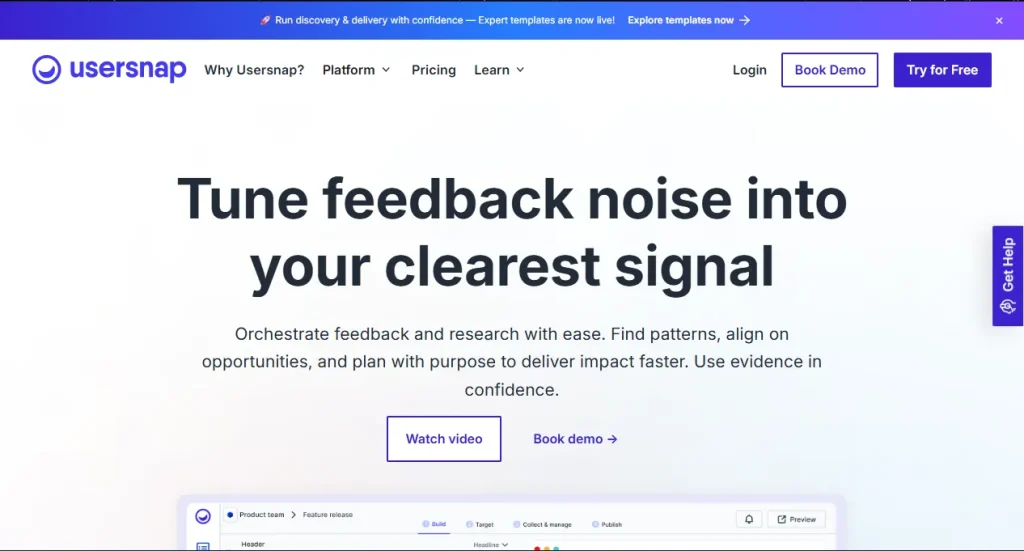
Usersnap is often used by SaaS and product teams to collect feedback from real users. It combines visual bug reporting with surveys and feature requests.
While strong for in-product feedback, it can feel heavier than necessary for fast-moving website launches or agency-style client reviews.
Best suited for: Product teams focused on ongoing user feedback rather than short, intense launch cycles.
Key Features:
- Visual bug reporting integrated with surveys and feature requests
- Collects real-time feedback from actual product users
- Supports ongoing feedback loops for SaaS and product teams
- Enables structured input on usability, features, and bugs
- Strong in-product integration for continuous improvement
- Best for long-term product development cycles rather than quick launches
3. Markup.io — Best for Simple Visual Markups
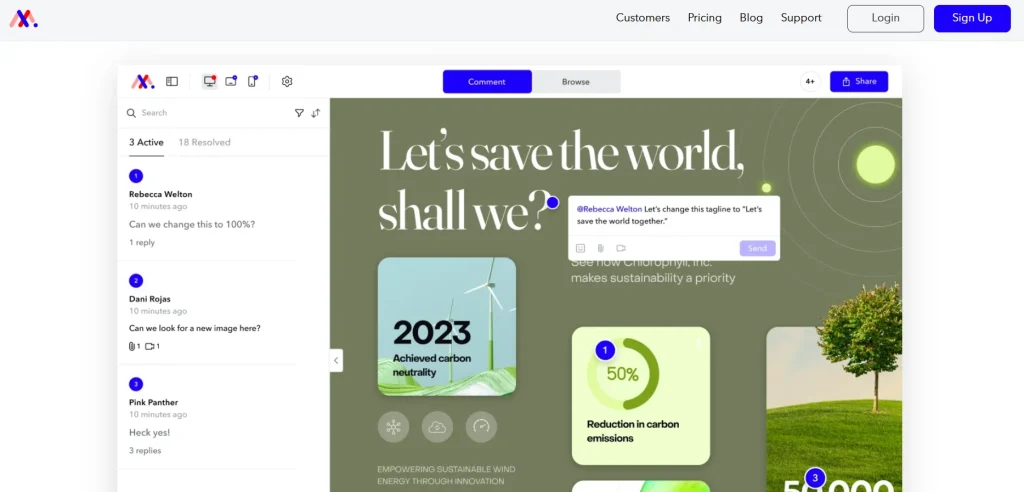
Markup allows teams to annotate screenshots, images, PDFs, and webpages. It’s straightforward and easy to adopt, especially for non-technical stakeholders.
However, feedback often relies on manual screenshots and lacks deeper technical context, which can slow things down during complex launches.
Best suited for: Small teams or lightweight reviews where technical precision isn’t critical.
Key Features:
- Annotate screenshots, images, PDFs, and webpages
- Simple, intuitive interface for non-technical stakeholders
- Easy adoption with minimal training required
- Feedback relies on manual screenshots (less technical context)
- Lightweight tool for straightforward reviews
- Best suited for small teams or projects without complex QA needs
4. Pastel — Best for Design Reviews
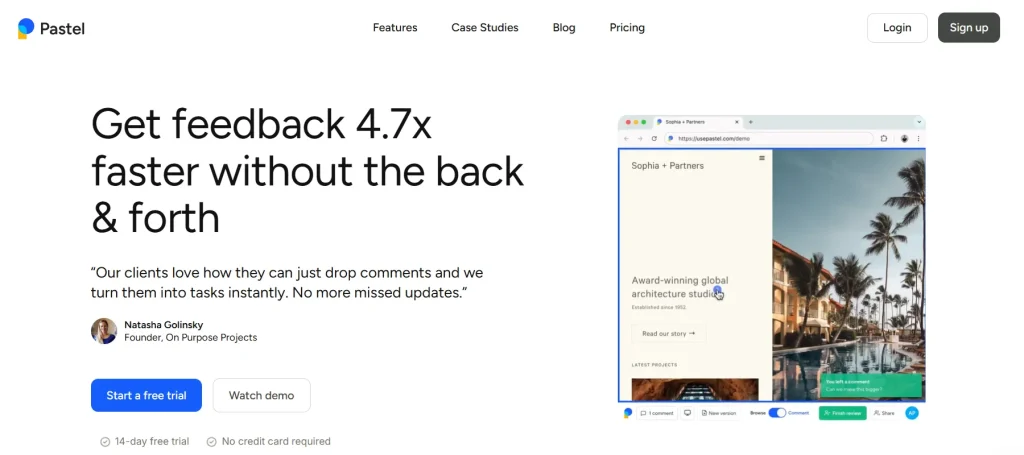
Pastel is popular with design teams reviewing visual layouts. It’s clean, simple, and client-friendly, making it useful for early-stage design sign-offs.
That said, it’s less focused on technical QA and task workflows, which can limit its usefulness closer to launch.
Best suited for: Design-heavy reviews before development is fully complete.
Key Features:
- Clean, client-friendly interface for visual layout reviews
- Simple annotation and feedback process for design sign-offs
- Tailored for early-stage design collaboration
- Focused on aesthetics rather than technical QA workflows
- Smooth client communication during design-heavy phases
- Best for design reviews before development is finalize
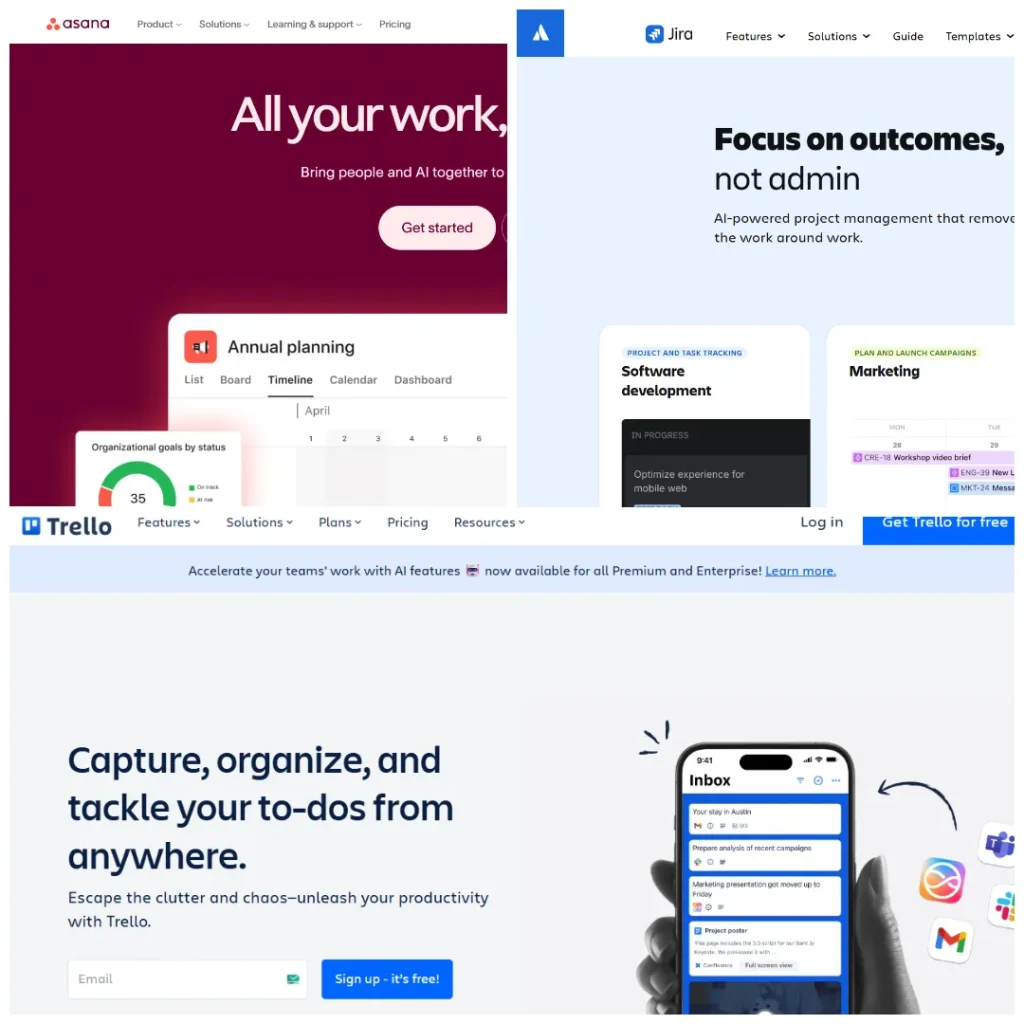
5. Traditional Project Management Tools (Jira, Asana, Trello)
Most teams already use a project management platform—but these tools aren’t designed for visual feedback. Comments often lack context, screenshots live elsewhere, and tasks require explanation before action.
They work best when paired with a visual feedback layer, rather than used alone during pre-launch QA.
Best suited for: Task tracking and delivery—not capturing detailed, in-context feedback.
Key Features:
- Centralized task and project tracking with boards, lists, and timelines
- Customizable workflows for assigning, prioritizing, and tracking progress
- Collaboration features: comments, mentions, and notifications for team communication
- Integration with third-party apps (Slack, GitHub, Google Drive, etc.)
- Reporting and analytics dashboards for project visibility
- Strong support for agile methodologies (scrum boards, sprints, kanban views)
- Scalable for teams of all sizes, from startups to enterprises
- Cloud-based access with mobile apps for remote collaboration
Why This Comparison Matters at Launch Time
During pre-launch, speed and clarity matter more than feature depth. The best tool isn’t the one with the most options—it’s the one that removes friction when pressure is highest.
That’s why many project managers shortlist multiple markup alternatives before settling on a solution that balances:
- Context-rich feedback
- Ease of use for clients
- Clear handoff to developers
- Minimal back-and-forth
For teams running frequent launches or client-facing projects, tools like BugHerd often surface at the top of the list because they’re designed specifically for that moment when everything needs to work—now.
Stop Explaining Bugs Twice — Let Tools Do the Talking
Pre-launch reviews are the final checkpoint before your website goes live. The difference between a smooth launch and a stressful one often comes down to how feedback is managed. Visual feedback tools like BugHerd, Usersnap, Markup.io, and Pastel transform vague comments into actionable insights, saving time and reducing frustration. When paired with project management platforms, they create a complete workflow that ensures clarity, speed, and confidence.