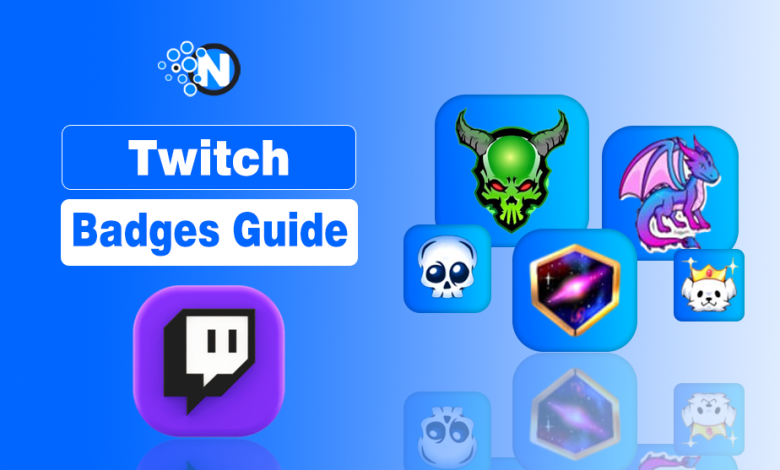
Twitch chat badges are more than just icons. They are status symbols that identify your role, loyalty, and contributions within a community.
Some badges highlight authority, like moderator or broadcaster icons, while others celebrate contributions, such as artist or sub-gifter badges. Twitch even awards official recognition with badges like Verified, Partner, and Ambassador, which carry special weight across the entire platform.
Whether you are looking for a specific Twitch badges list or want to understand Twitch badge meanings, this 2026 guide covers every icon and how to unlock them.
What are Twitch Chat Badges?
Twitch badges are small icons displayed next to a user’s name in chat that identify their role, status, achievements, or support for a channel.
Some badges are available across Twitch, while others are unique to individual channels or limited-time events.
Twitch badges help viewers:
- Identify chat roles, such as Broadcaster, Moderator, VIP, and Twitch Staff.
- Show support through subscriptions, Bits, gifted subscriptions, and Prime Gaming.
- Display achievements, including Founder badges and special event rewards.
- Recognize official accounts and community contributors at a glance.
Because each badge has a different meaning, they make it easier to understand Twitch chat roles, user status, and community recognition without opening a user’s profile.
What Are the Main Types of Twitch Badges?
Twitch badges are grouped into four main types: User-Role & Staff badges, Subscription & Loyalty badges, Support & Contribution badges, and Global & Event badges.
Each category represents a different role, achievement, or level of support, helping viewers quickly identify users and understand what a badge means in chat. Below are the four main Twitch badge categories and how each one works.
1. User-Role & Staff Badges
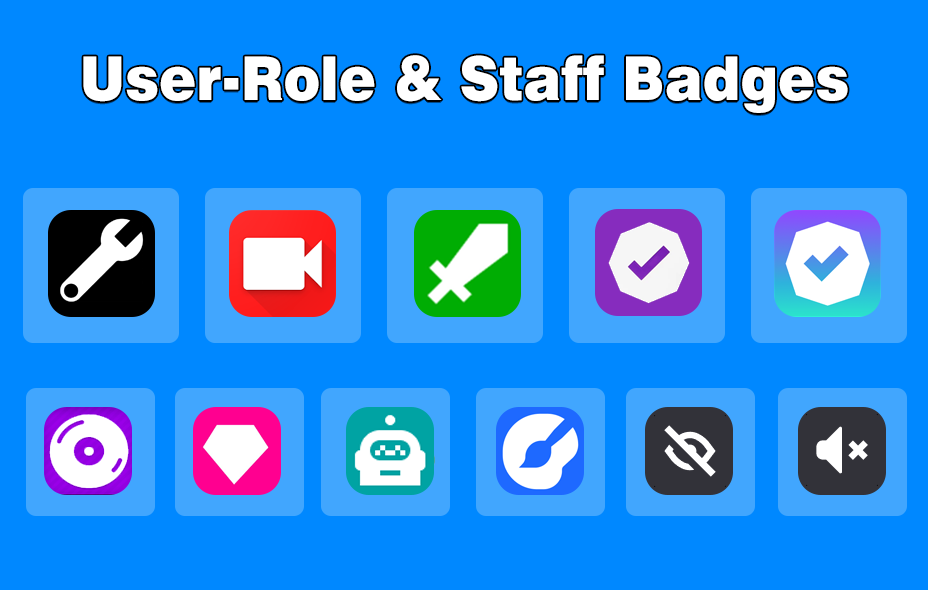
User-Role & Staff badges identify a user’s role, permissions, or official status on Twitch. These badges help viewers quickly recognize broadcasters, moderators, VIPs, Twitch Staff, and other trusted members within a channel.
| Badge Name | Role & How to Earn (Summary) |
|---|---|
| Twitch Staff | Official Employees: Wrench icon. Reserved for staff; not earnable by users. |
| Twitch Admin | Platform Moderators: Yellow badge. Paid staff who enforce ToS and review reports. |
| Broadcaster | Channel Owner: Red camera icon. Automatically granted in your own channel. |
| Moderator | Chat Guard: Green sword. Assigned by the streamer to manage chat and rules. |
| Verified | Proven Creator: Purple checkmark. Given to Partners and recognized brands. |
| VIP | Loyal Members: Diamond icon. Granted by streamers to trusted community members. |
| Ambassador | Community Leader: Globe icon. Selected by Twitch for positive impact and diversity. |
| DJ Badge | Music Creators: Headphones icon. Identifies official DJ content under Twitch policy. |
| Chat Bot | Automation: Robot icon. Identifies automated bots like Nightbot or StreamElements. |
| Artist Badge | Creatives: Paintbrush icon. Given to users who created channel artwork or emotes. |
| Social Media | Viral Support: Link icon. Recognizes viewers who help a creator go viral off-platform. |
| Lead Mod | Super Moderator: Shield with star. Higher-tier mod with permissions to manage the team. |
2. Subscription & Loyalty Badges
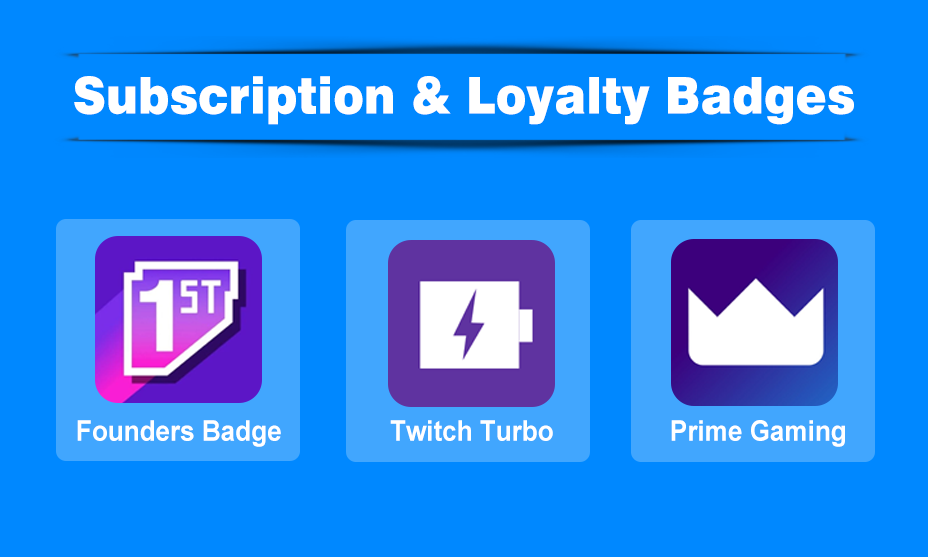
Subscription & Loyalty badges reward viewers for supporting a streamer or Twitch through subscriptions and premium memberships. They recognize long-term supporters, early subscribers, and members of services like Prime Gaming and Twitch Turbo.
| Badge | How It Works / Appearance | Requirements / Details |
|---|---|---|
| Founders Badge | A special badge (often labeled “Founder”) | For the first ten paid or Prime subscribers of an Affiliate channel, or first 25 for a Partner channel. It’s permanent. |
| Twitch Turbo | A global badge (purple chat bubble / etc.) | For users who subscribe to Twitch Turbo, a premium ad-free subscription that also provides a global Twitch badge and enhanced chat features. |
| Prime Gaming Badge | Crown icon or similar | Linked to Amazon Prime / Prime Gaming. Users who link Prime get extra perks, including a free monthly subscription, and display this badge. |
| Watch Streak Badge | A flame icon with a number | Tracks your consistency in attending a streamer’s live broadcasts. |
3. Support / Contribution Badges
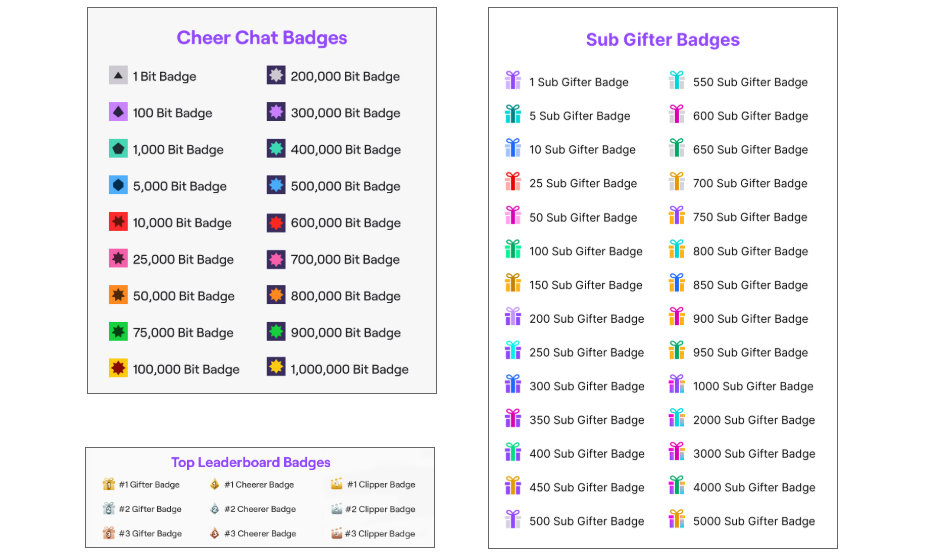
Support & Contribution badges highlight viewers who financially support a channel through Bits, gifted subscriptions, or other community contributions. Most of these badges level up as you continue supporting the same streamer.
| Badge Type | What It Means | Typical Tiers / How Badges Grow |
|---|---|---|
| Cheer (Bits) Badges | Shows how many bits (Twitch’s currency for cheering) you’ve donated in a channel or globally. | There are numerous thresholds: 1 bit, 100 bits, 1,000 bits, 5,000, 10,000, 25,000, etc. The more you cheer, the higher tier you reach. |
| Sub Gifter Badges | For users who gift subscriptions to other viewers. | As you gift more subs (e.g. 1 gift, 5 gifts, 25, etc.), you’ll get higher tiers of sub-gifter badge. These badges are channel-specific and sometimes time-limited. |
| Top Gifter / Top Cheerer Leaderboard Badges | If you are among the top gifters or top cheerers in a channel within a timeframe, you may display special leaderboard badges. | Some channels enable leaderboards; being in top 3, etc., can give you visible distinction. These badges may change if you drop off the leaderboard. |
4. Global & Event Badges
Global & Event badges are earned through Twitch-wide events, special promotions, campaigns, or limited-time community activities. Some badges are permanent, while others are only available during specific events or promotional periods.
| Badge Name | How to Get It / Use Case |
|---|---|
| Bits Leader Badges | Global recognition for being a top cheerleader in a channel |
| Clips Leader Badges | Being one of the top creators of clips in a channel or event |
| Hype Train Conductor | If you contribute heavily during a Hype Train event, you may get “Current Hype Train Conductor” badge; there may also be “Former Hype Train Conductor.” |
| Global Event Badges | Twitch often issues badges for participating in events: game launches, TwitchCon, SUBtember, etc. |
| Watching Without Video / Without Audio | Badges that show you’re watching a stream but with the video or audio off |
| TwitchCon 2026 | Included with the purchase of a 2-Day pass for the May 2026 event, an exclusive chat badge, and a Turbo trial. |
| Creator Badge Rewards | Participate in limited-time channel events (running March–May 2026). Viewers earn custom, channel-specific badges by meeting watch-time or sub-gifting goals set by the streamer. |
| Marathon Drops Badge | Link your Bungie and Twitch accounts and watch 4+ hours of the Marathon category. |
How to Earn or Unlock Each Badge?
You can get Twitch badges by subscribing to channels, cheering with Bits, gifting subscriptions, participating in Twitch events, or receiving special roles from Twitch or a streamer. The method depends on the type of badge you’re trying to earn.
Here’s how to go about gaining various badges. For viewers, streamers, or community members, this helps clarify what to do.
- Becoming Partner or Affiliate: To get Verified, Affiliate, or Partner badges or status, you need to meet Twitch Affiliate Program’s criteria (streaming hours, follower counts, average viewers, etc.).
- Becoming Founders: Be among the first subscribers (Prime or paid) when someone becomes an Affiliate or Partner. Early support matters.
- Sub loyalty: Continue subscribing month after month to maintain and upgrade sub badges.
- Cheering / Bits: Purchase bits and use them in chat; higher total amounts unlock higher-tier bits badges.
- Gifting subs: Gift subscription(s) to others in the channel; accumulating gifts raises your sub-gifter badge.
- Leaderboards: Follow channel settings; being active in clip creation, cheering, and gifting during special events helps.
- Event badges: Subscribe or participate during special Twitch events, game launch periods, or promotional timeframes. These are usually announced by Twitch.
- Viral Sharing: Connect your social media accounts in your Twitch settings. When you share a clip, and it hits a view milestone, the Social Media Badge will automatically unlock in that creator’s chat.
- Time-Limited Events: Look for “Community Callouts” at the top of a channel’s chat. These indicate an active Creator Badge Reward event where you can earn unique badges for watching a specific number of minutes.
When it comes to streaming your gameplay, YouTube and Twitch are the two biggest names. And if you are interested in a YouTube vs Twitch comparison, my comprehensive guide will surely help you.
Why Are Twitch Badges Important?
Twitch badges make it easy to identify users, recognize community contributions, and reward long-term support. They help viewers understand chat roles at a glance while giving streamers a simple way to build engagement and strengthen their communities.
Supporting Points
- Identify chat roles: Badges instantly distinguish broadcasters, moderators, VIPs, Twitch Staff, and other trusted users.
- Reward loyal supporters: Subscriber, Founder, Bits, and Sub Gifter badges recognize viewers who consistently support a channel.
- Build stronger communities: Custom badges encourage long-term subscriptions and give loyal members a greater sense of belonging.
- Highlight special achievements: Event and limited-time badges showcase participation in Twitch campaigns, TwitchCon, and other platform-wide events.
- Improve trust in chat: Role-based badges help viewers quickly recognize official accounts and users with moderation privileges.
Common Misconceptions & Mistakes
Here are a few things people often get wrong about Twitch badges:
- Badges don’t always stay forever: Some event badges are temporary; sub-gifter badges might disappear after a while or if conditions change.
- Not everyone can access all badges: Some regions have restrictions; not all streamers are Affiliates/Partners, so the Founders badge might not be obtainable.
- Badges are channel- or global-dependent: A sub badge is specific to a channel, a global badge shows everywhere. Don’t confuse channel loyalty with platform achievements.
- Cheer/bits badges vs emotes: Bits are a separate system; badges for cheering are different from emote rewards.
- Event badges often need action: Just being present usually isn’t enough: you may need to stream, sub, cheer, gift, or share clips depending on the event.
People Also Ask About Twitch Badges
What’s the difference between channel badges and global badges?
Channel badges (like subscriber / sub loyalty badges, Founders, and sub-gifter badges) are specific to each channel. Global badges are visible everywhere on Twitch (e.g. staff, event badges, bits badges, watching without video/audio).
How often does Twitch add new event badges?
Quite often. Twitch runs seasonal promotions (like SUBtember), game launch events, special holiday or global events, or community initiatives. Many badges are introduced annually or tied to a specific campaign.
How many sub badges are there on Twitch?
Twitch allows streamers to set up to six subscription loyalty badge designs by default (1, 2, 3, 6, 12, and 24 months). Partners can unlock additional slots for longer-term subs.
How many founder badges are on Twitch?
Affiliate channels have 10 Founder badges, while Partner channels have 25 Founder badges. Once those slots are filled, no new Founder badges are created.
How to get badges on Twitch?
Badges can be earned in different ways: subscribing to channels, gifting subs, cheering with Bits, becoming a VIP, or being recognized by Twitch (e.g., Verified, Ambassador).
Are Twitch badges visible outside chat?
Yes. Some badges (like Verified, Partner, or Broadcaster) also appear on profile pages, whispers, and user lists. Others, like sub badges, are chat-only.
Do Twitch badges differ by region or language?
The core badge system is global, but event badges (like local esports tournaments or promotions) may vary by region, so some viewers will see badges unavailable elsewhere.
What does the crown mean on Twitch?
The crown icon on Twitch represents the Prime Gaming badge. It means the user has linked their Amazon Prime account and receives exclusive benefits like free subscriptions and in-game rewards.
What are all Twitch badges?
All Twitch badges include role badges (moderator, broadcaster), subscription badges (founder, sub loyalty), support badges (bits, gifted subs), and global event badges.
Final Words on Twitech Bagges
Badges are the heartbeat of Twitch’s social hierarchy, rewarding everything from early support to creative contributions. As Twitch continues to evolve in 2026, these icons remain the best way to showcase your identity in chat.
If you are a viewer, try to participate: cheer, gift, subscribe, and take part in events. If you are a streamer, use badges thoughtfully: custom designs, loyalty badges, and special event badges can deepen community bonds.
Twitch badge availability and features may vary slightly depending on region, including the United States, Europe, and Asia, where the communities continue to grow rapidly.